I am using free blynk app and added two devices to it and i am the admin for the blynk app and added one more user too. Myself and another user using the blynk app to operations.
By mistakenly i deleted 2nd device from my mobile app and now i am unable to add/find that device in my mobile app. Which is available in blynk web and second user Mobile device too.
How to add/operate second device from my mobile app?
While clicking on add Device which showing message free device quota completed
Please help me providing solution to adding deleted device to mobile app
I am using Android os
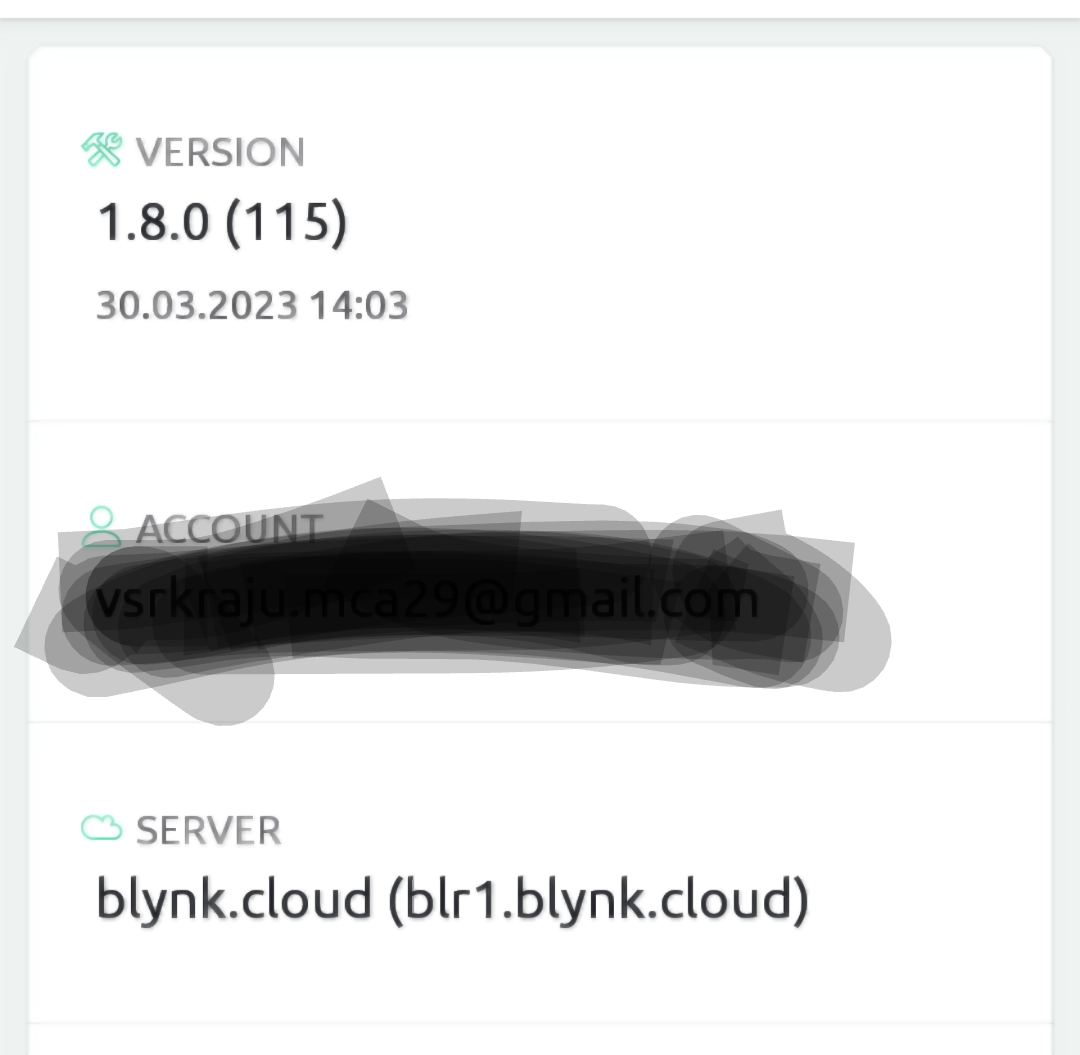
My app version and server details attached with screenshot
I am not deleted admin role or account, just deleted device in my mobile app only mistakenly but it was available on another user Mobile app
Yes i am able to see that device in templates section and web site showing as two devices and in my mobile app while trying to create a automation able to see second device switches too but device not showing on my mobile app
Hello. I don’t see any issues with your setup. Please try to clear the app cache and relaunch the app.
If that doesn’t help - please post the screenshot of the screen where you see only 1 device.