@bernas_123 so seems USB works for you, right? Are you able to make blinking some LED?
sucess! it works, making the led blink! thank you very much!
what about now with the ethernet shield?
1 Like
Well, it was just a start =). Now we know that you have no router issues, no library issues and no arduino issues. So it’s time for Ethernet shield. Please plug Ethernet shield and try again basic Ethernet example. Try to connect without changing anything (just put auth token). Do you see again
[0] Blynk v0.3.1
[0] Getting IP...
? and nothing happens for a long time?
yes i stilll get the same thing…
No more output? How long did you wait?
yes i get “getting ip”, i waited for 10 min ±, should i wait more? i once left it for an hour and it doesn’t connect
No =). Your code below should work
byte arduino_mac = { 0x90, 0xA2, 0xDA, 0x10, 0x1F, 0xC4 };
IPAddress arduino_ip ( 192, 168, 1, 70);
IPAddress dns_ip ( 8, 8, 8, 8);
IPAddress gateway_ip ( 192, 168, 1, 254);
IPAddress subnet_mask(255, 255, 255, 0);
Just wait a bit. You could see few
Connecting to cloud.blynk.cc:8442
Until you really be connected.
By the way. Where this from
[1300] My IP: 0.106.106.106
?
i was just replying that, i don’t know i keep getting that even with your code:
[lynk v0.3.1
[0] Using static IP
[0] Blynk v0.3.1
[0] Using static IP
[1300] My IP: 0.106.106.106
[5001] Connecting to cloud.blynk.cc:8442> /**************************************************************
> * Blynk is a platform with iOS and Android apps to control
> * Arduino, Raspberry Pi and the likes over the Internet.
> * You can easily build graphic interfaces for all your
> * projects by simply dragging and dropping widgets.
> *
> * Downloads, docs, tutorials: http://www.blynk.cc
> * Blynk community: http://community.blynk.cc
> * Social networks: http://www.fb.com/blynkapp
> * http://twitter.com/blynk_app
> *
> * Blynk library is licensed under MIT license
> * This example code is in public domain.
> *
> **************************************************************
> * This example shows how to configure static IP with Ethernet.
> * Be sure to check ordinary Ethernet example first!!!
> *
> **************************************************************/
> #define BLYNK_PRINT Serial // Comment this out to disable prints and save space
> #include <SPI.h>
> #include <Ethernet.h>
> #include <BlynkSimpleEthernet.h>
> // You should get Auth Token in the Blynk App.
> // Go to the Project Settings (nut icon).
> char auth[] = "b2b8139fbb5942929dc6e44e6c4e5ef6";
> IPAddress server_ip (10, 0, 0, 10);
> // Mac address should be different for each device in your LAN
> byte arduino_mac[] = { 0x90, 0xA2, 0xDA, 0x10, 0x1F, 0xC4 };
> IPAddress arduino_ip ( 192, 168, 1, 70);
> IPAddress dns_ip ( 8, 8, 8, 8);
> IPAddress gateway_ip ( 192, 168, 1, 254);
> IPAddress subnet_mask(255, 255, 255, 0);
> void setup()
> {
> Serial.begin(9600);
> Blynk.begin(auth, "cloud.blynk.cc", 8442, arduino_ip, dns_ip, gateway_ip, subnet_mask, arduino_mac);
> // Or like this:
> //Blynk.begin(auth, "cloud.blynk.cc", 8442, arduino_ip, dns_ip, gateway_ip, subnet_mask, arduino_mac);
> }
> void loop()
> {
> Blynk.run();
> }Here is some problem with your IP. Try to change from
192, 168, 1, 70
to another. Maybe this one is busy.
tried already several and im tryinng others too, i receive that message always
[] Using static IP
[1300] My IP: 0.106.106.106
[0] Blynk v0.3.1
[0] Using static IP
[1300] My IP: 0.106.106.106
[5001] Connecting to cloud.blynk.cc:8442Try
IPAddress arduino_ip ( 192, 168, 1, 62);
this one is out of DHCP pool.
yeah the same thing… what a mystery 
Did you restart your router already? Sometimes it helps. I’m out of ideas. The thing is - your router doesn’t give Arduino correct IP.
yeah restarted and reseted… maybe i should abandone the ethernet shield and go for a wifi shiel or would i have the same problem?
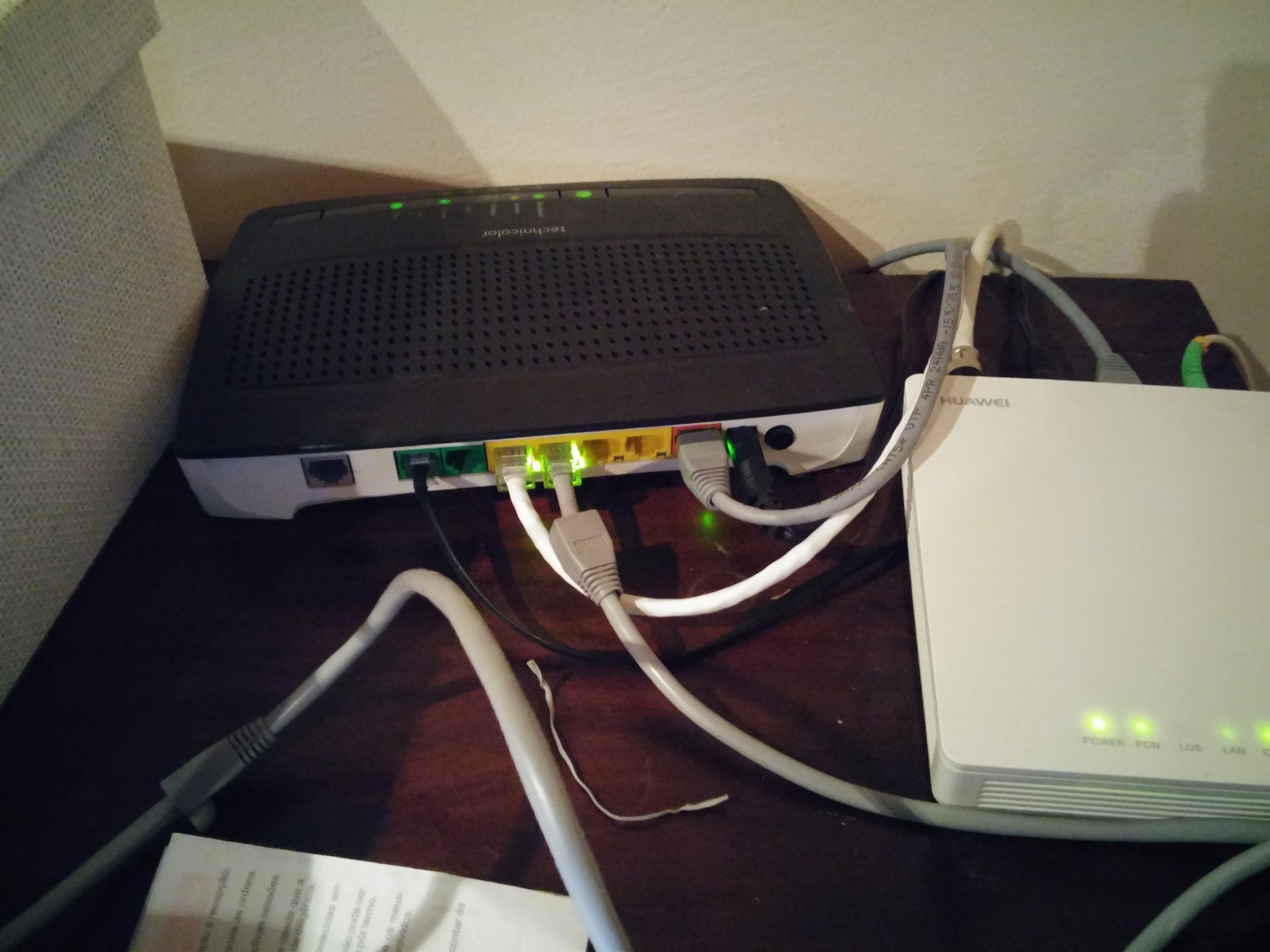
but its strange cause i have the official ethernet shield rev2, i can connect form my laptop to the cloud and never had a problem connecting devices to my network, never used ethernet tough except for my tv recorder that my provider set up for me but it works great…
one last time this is the code that im using, i think everything is ok…:
/**************************************************************
 * Blynk is a platform with iOS and Android apps to control
 * Arduino, Raspberry Pi and the likes over the Internet.
 * You can easily build graphic interfaces for all your
 * projects by simply dragging and dropping widgets.
 *
 *   Downloads, docs, tutorials: http://www.blynk.cc
 *   Blynk community:            http://community.blynk.cc
 *   Social networks:            http://www.fb.com/blynkapp
 *                               http://twitter.com/blynk_app
 *
 * Blynk library is licensed under MIT license
 * This example code is in public domain.
 *
 **************************************************************
 * This example shows how to configure static IP with Ethernet.
 * Be sure to check ordinary Ethernet example first!!!
 *
 **************************************************************/

#define BLYNK_PRINT Serial    // Comment this out to disable prints and save space
#include <SPI.h>
#include <Ethernet.h>
#include <BlynkSimpleEthernet.h>

// You should get Auth Token in the Blynk App.
// Go to the Project Settings (nut icon).
char auth[] = "b2b8139fbb5942929dc6e44e6c4e5ef6";

IPAddress server_ip (10, 0, 0, 10);

// Mac address should be different for each device in your LAN
byte arduino_mac[] = { 0x90, 0xA2, 0xDA, 0x10, 0x1F, 0xC4 };
IPAddress arduino_ip ( 192, 168, 1, 12);
IPAddress dns_ip ( 8, 8, 8, 8);
IPAddress gateway_ip ( 192, 168, 1, 254);
IPAddress subnet_mask(255, 255, 255, 0);

void setup()
{
  Serial.begin(9600);
  Blynk.begin(auth, "cloud.blynk.cc", 8442, arduino_ip, dns_ip, gateway_ip, subnet_mask, arduino_mac);
  // Or like this:
  //Blynk.begin(auth, "cloud.blynk.cc", 8442, arduino_ip, dns_ip, gateway_ip, subnet_mask, arduino_mac);
}

void loop()
{
  Blynk.run();
}
hello there.
I started with the ethernet shield and blynk . i have been facing the same issue and had been struggling with it for the last 100hrs. After some RnD, i stumbled upon your post and found that i am having the exact issue just like yours.
the last sketch as u tried, my serail monitor showing this
[0] Using static IP
[0] Blynk v0.3.1
[1300] My IP: 0.0.0.0
[5001] Connecting to 10.0.0.10:8442
[10002] Connecting to 10.0.0.10:8442
[15003] Connecting to 10.0.0.10:8442
[20004] Connecting to 10.0.0.10:8442
[25005] Connecting to 10.0.0.10:8442
[30006] Connecting to 10.0.0.10:8442
[35007] Connecting to 10.0.0.10:8442
[40008] Connecting to 10.0.0.10:8442
[45009] Connecting to 10.0.0.10:8442