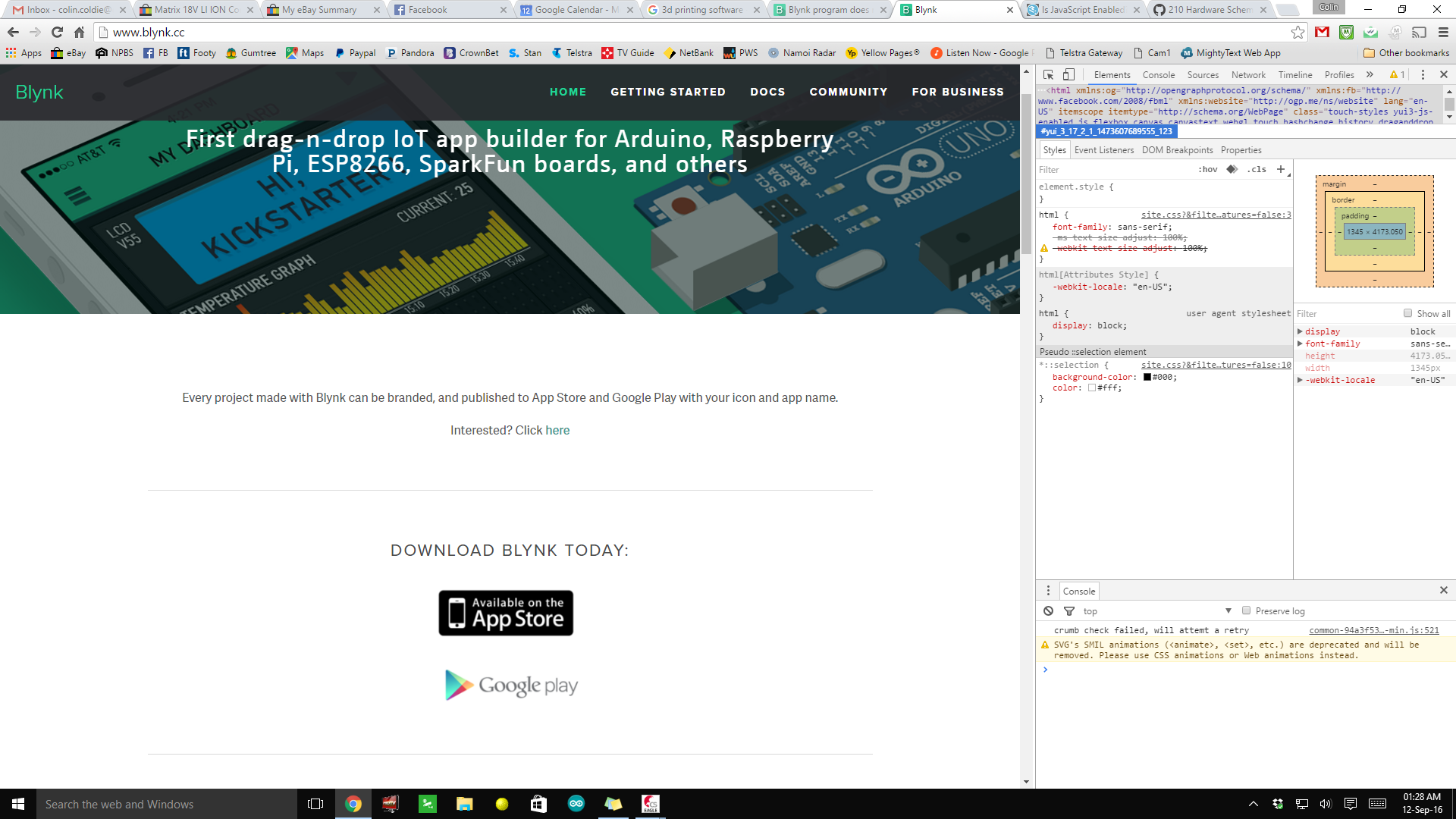
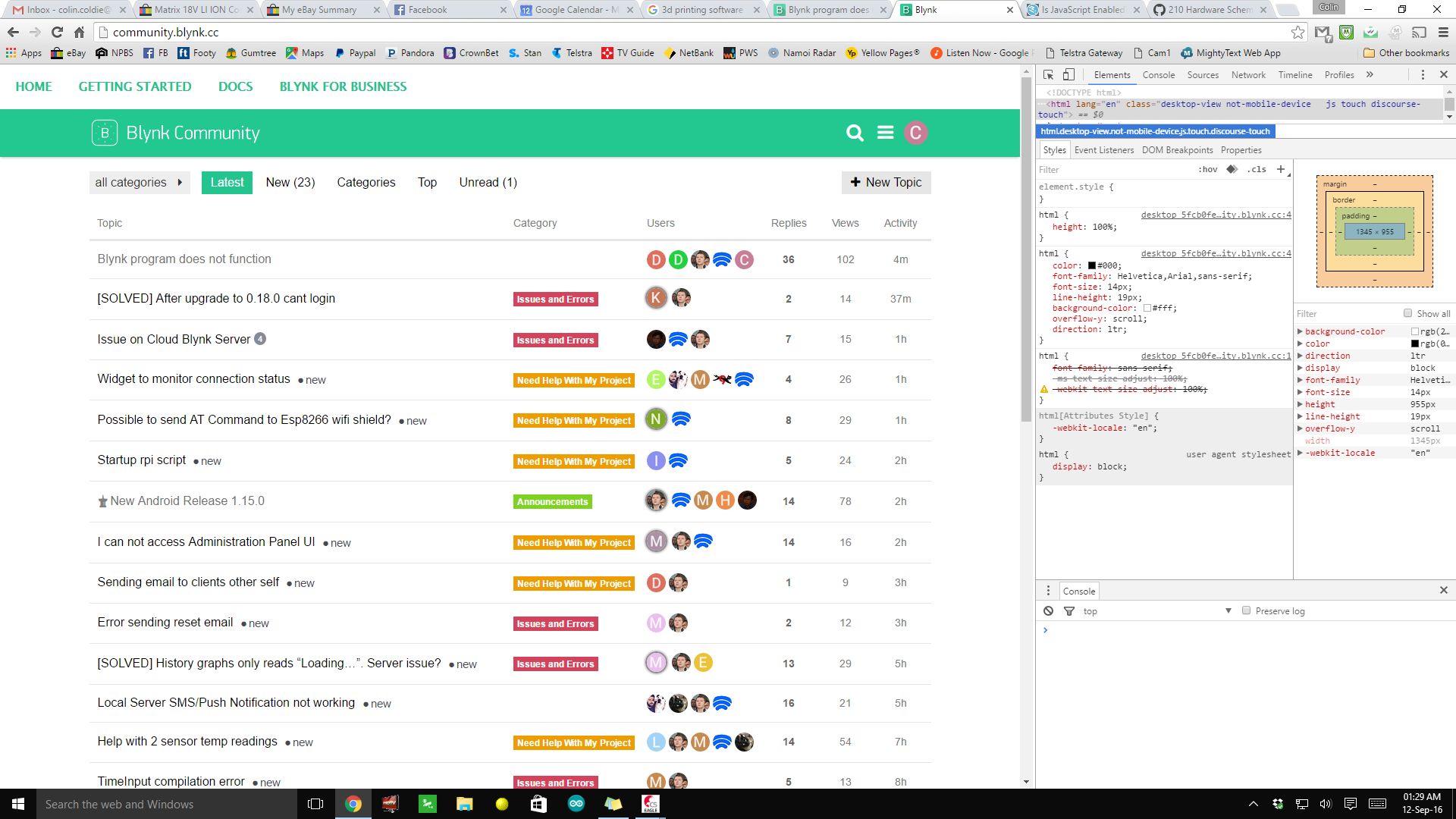
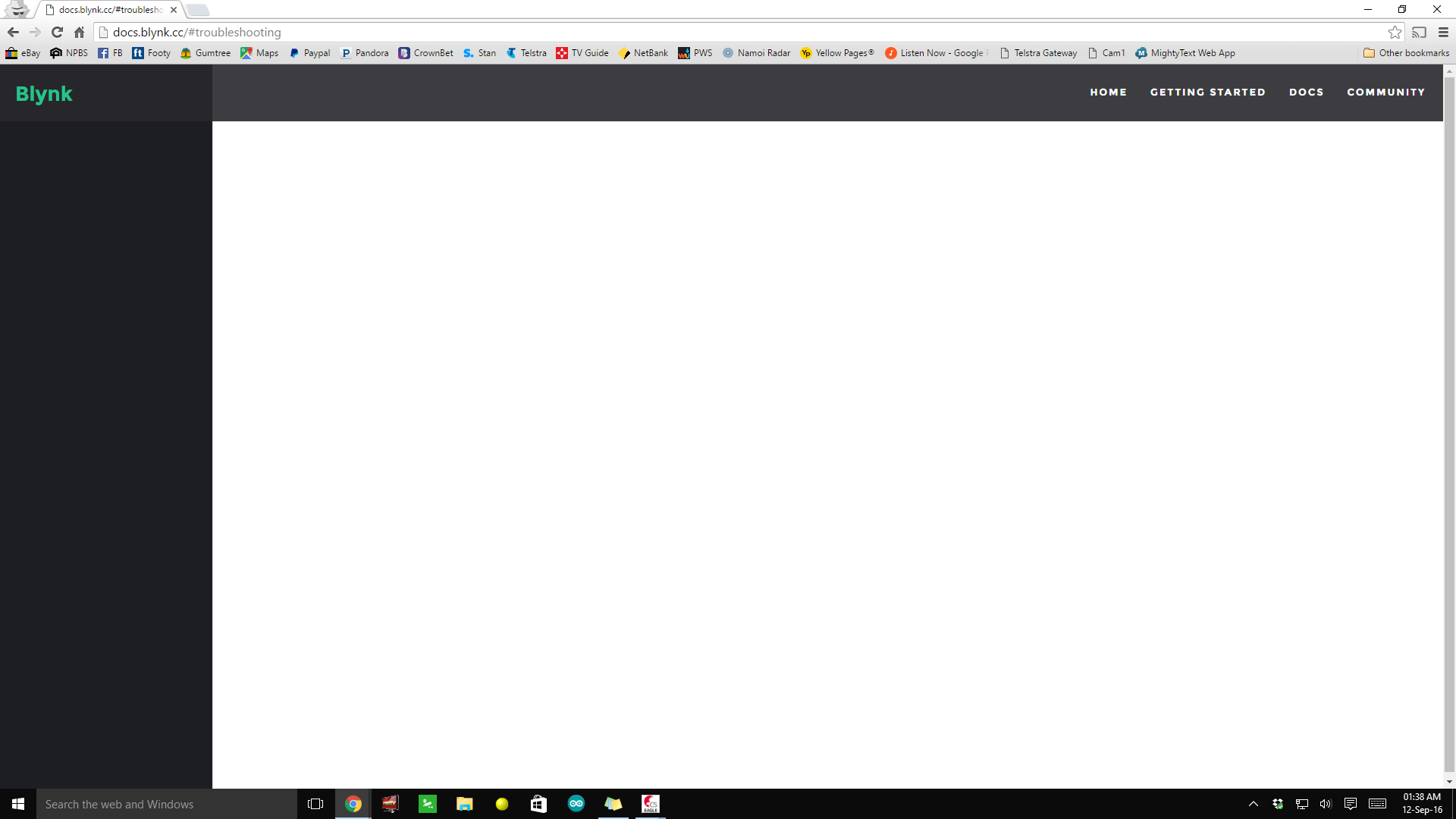
Ok I just tried “Windows Edge” formally 'Explorer" and yes the page loads. So it’s a google chrome issue. My ESP is a NodeMCU and I have used that sketch heaps of times in the past and it worked fine. This failure with the Android App happened after the latest automatic upgrade that my phone performed only a few days ago. Remember that on the phone I just get three dots spinning around and around and I can’t do anything else with it.
A new Android update was released a few hours ago.
Stop the app, log out and force an update of the app.
Ensure you have version 0.3.8 of Blynk libraries and reflash the NodeMCU.
Sorry @Colin_Cochrane I thought you were the OP.
You already have 0.3.8 installed.
Worth logging out and trying version 1.15.0 of the app.
Glad you are back up and running but you do need to have the libraries structured correctly as per Release v0.3.8 · blynkkk/blynk-library · GitHub
You can’t use the installation of libraries from a zip file feature in the Arduino IDE for Blynk.
Ok the App now works, thank-you. But there’s still the issue with Chrome not working on your Docs page. I’ll leave it to you experts with that one 
@Colin_Cochrane The problem is at your end. I use Chrome, and I’m sure many more people do, and it is fine.
What does developer console says in browser?

I have no experience with Web page coding,sorry.
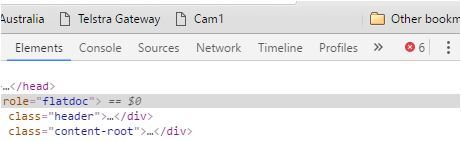
Please click on red icon with number 6 in right up corner and post screen of it here.
Um I’m sorry but I don’t know where or what web page I’m supposed to do that on ! I see no number six anywhere?
In your screen it is exactly below “Other bookmarks” label.
Are you talking about the Red circle with the letter “C” ? I’m sorry but I’m really not following you. I can provide screen shots or anything else you desire, but I still can’t fathom why all the other pages load except for the Docs page, and I can’t see how the problem is at my end when I’ve never had any problems with any other pages from any other websites loading!
@Colin_Cochrane this is for Windows 8.1 but 10 will be similar.
This is the top right of your screenshot and it shows 6 errors. Click the word Console and it will tell you what the errors are. I have 3 errors as shown below but it doesn’t stop the page being displayed.
http://fonts.googleapis.com/css?family=ProximaNova:300|proxima+nova:300 Failed to load resource: the server responded with a status of 400 (Bad Request)
http://docs.blynk.cc/favicon.ico Failed to load resource: the server responded with a status of 404 (Not Found)
http://fonts.googleapis.com/css?family=ProximaNova:300|proxima+nova:300 Failed to load resource: the server responded with a status of 400 (Bad Request)
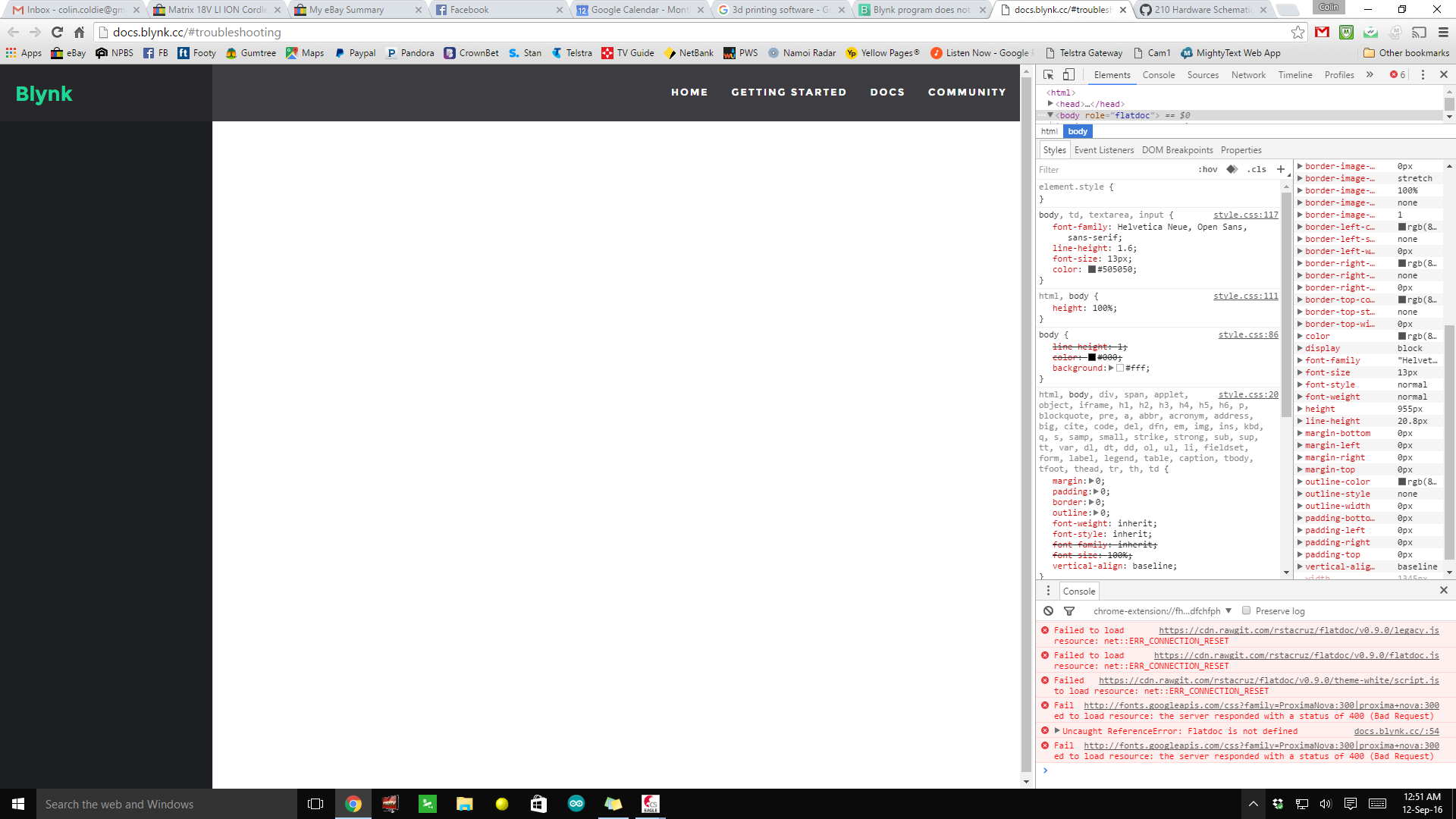
I think you have 3 errors the same as me and then the 3 that are stopping the main part of the page displaying relates to https://cdn.rawgit.com/rstacruz/…
Over to you @Dmytro
@Colin_Cochrane your fix is here https://www.whatismybrowser.com/guides/how-to-enable-javascript/chrome
Add docs.blynk.cc or blynk.cc to the allowed javascript exceptions.
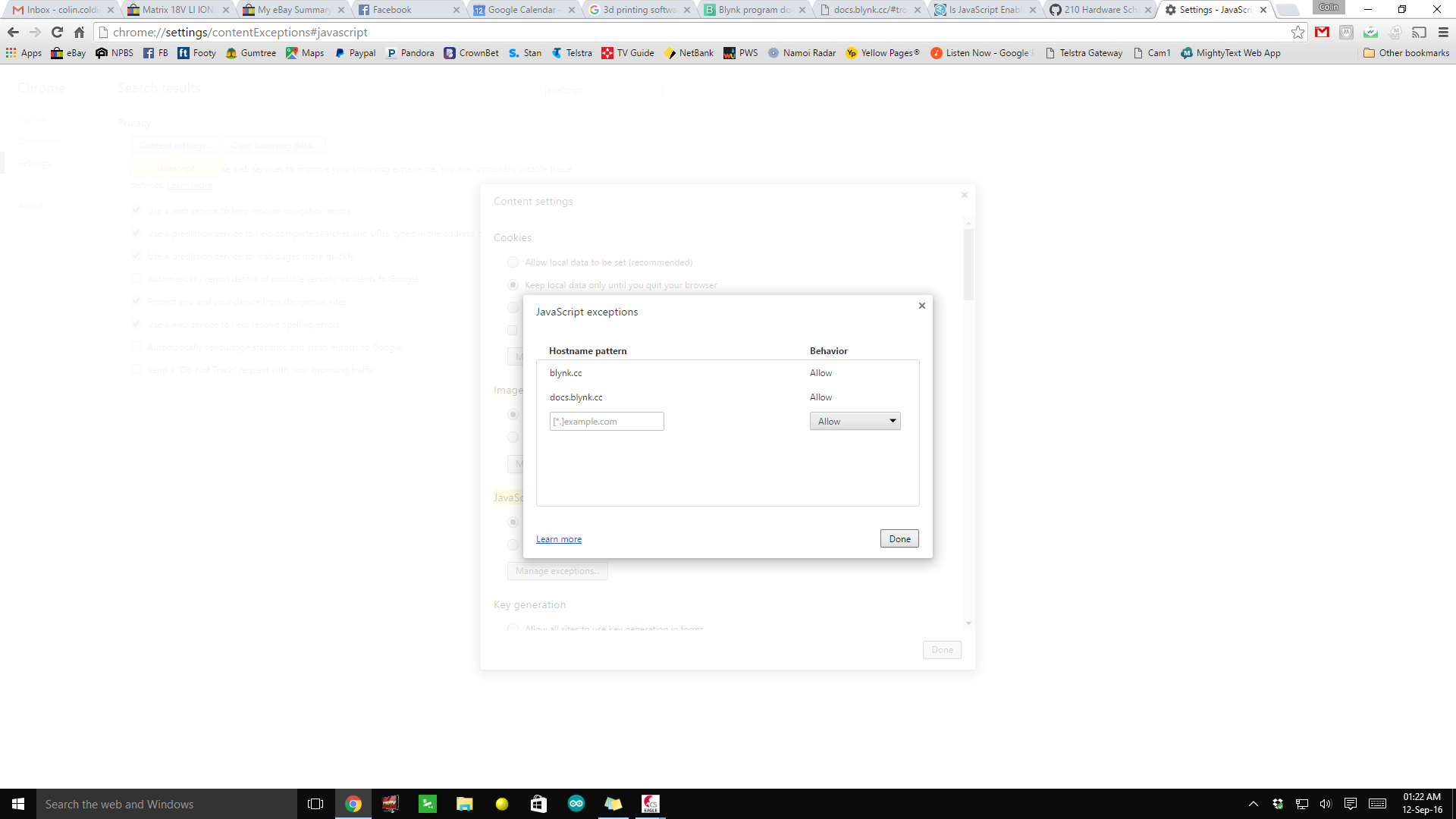
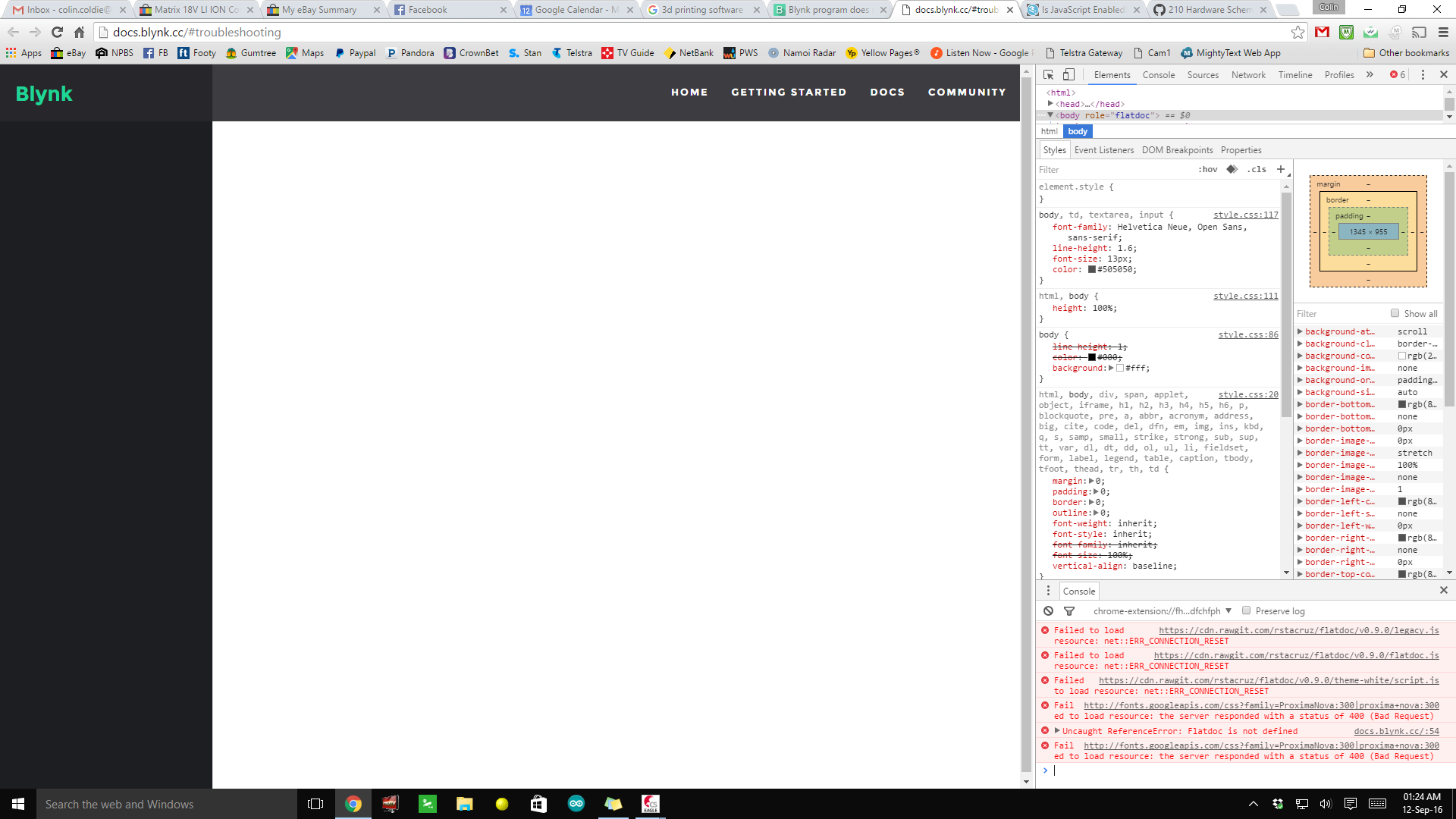
@Colin_Cochrane you might need to restart Chrome but I didn’t have to when I did my quick test.
Can you try opening an incognito window and after the page has loaded if it is still blank try shift and F5 together to try to get a fresh copy of the page.
Do you have some ad blocking program that has disabled javascript web sites by default?