You are really not explaining what the problem is.
I don’t see any sketch with a 0 - 3ms interval.
You might need to build your own system if you wish to work at 0 - 3ms intervals. Averaging your “timer” would be 667 hits per second, which is not acceptable AFAIK.
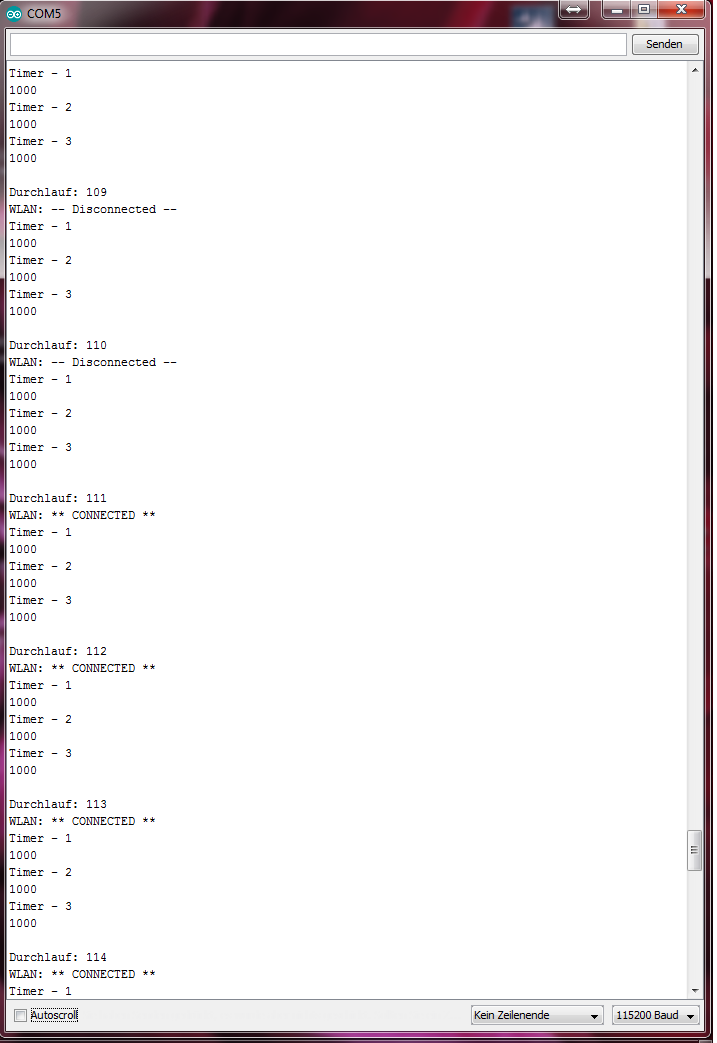
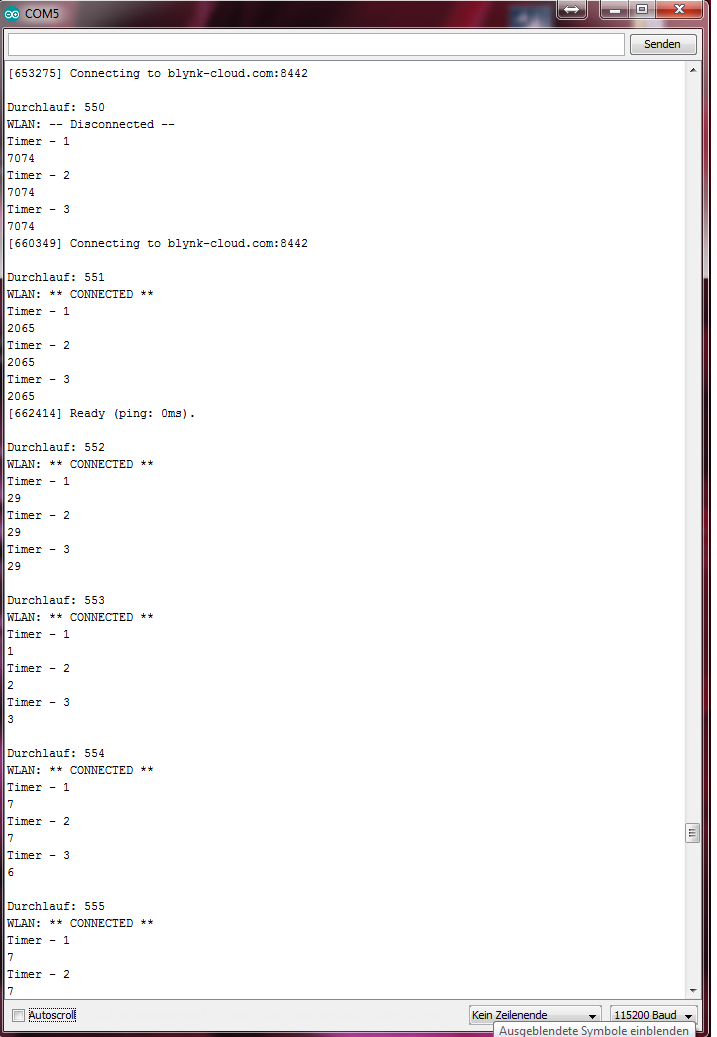
In the Beginning after the connection the timer is called every 0-3ms even if set to 1second.
If this happens after a reconnect because of some random connection loss as well Blynk will get send data not every second but every 0-3ms which causes flooding.
Ok restarting the device is no option since there are tasks that cannot be disrupted or delayed. That’s also the case where I need to implement hardware timers / watchdog lateron.
For stop and start there would be connection checks needed before each timer.run which would be a bit messy but maybe an option.
Just testing if random reconnects cause the same problem.
Random disconnects (for example caused by the router getting offline later online again) do not cause this problem. Neither while loosing connection nor while esp reconnects automatically.
Still need to check if the same happens when reconnect is caused by blynk.run.
So this can’t be caused by espressif’s WiFi implementation. Then it would for sure happen at any connect.
So HOPEFULLY this problem will not be a real problem…
But I wonder why this didn’t show up earlier since so many use SimpleTimer along with Blynk.