I have an ESP8266 Sp-01 module (Original firmware version 1.1.1 , AT v0.25) connected to
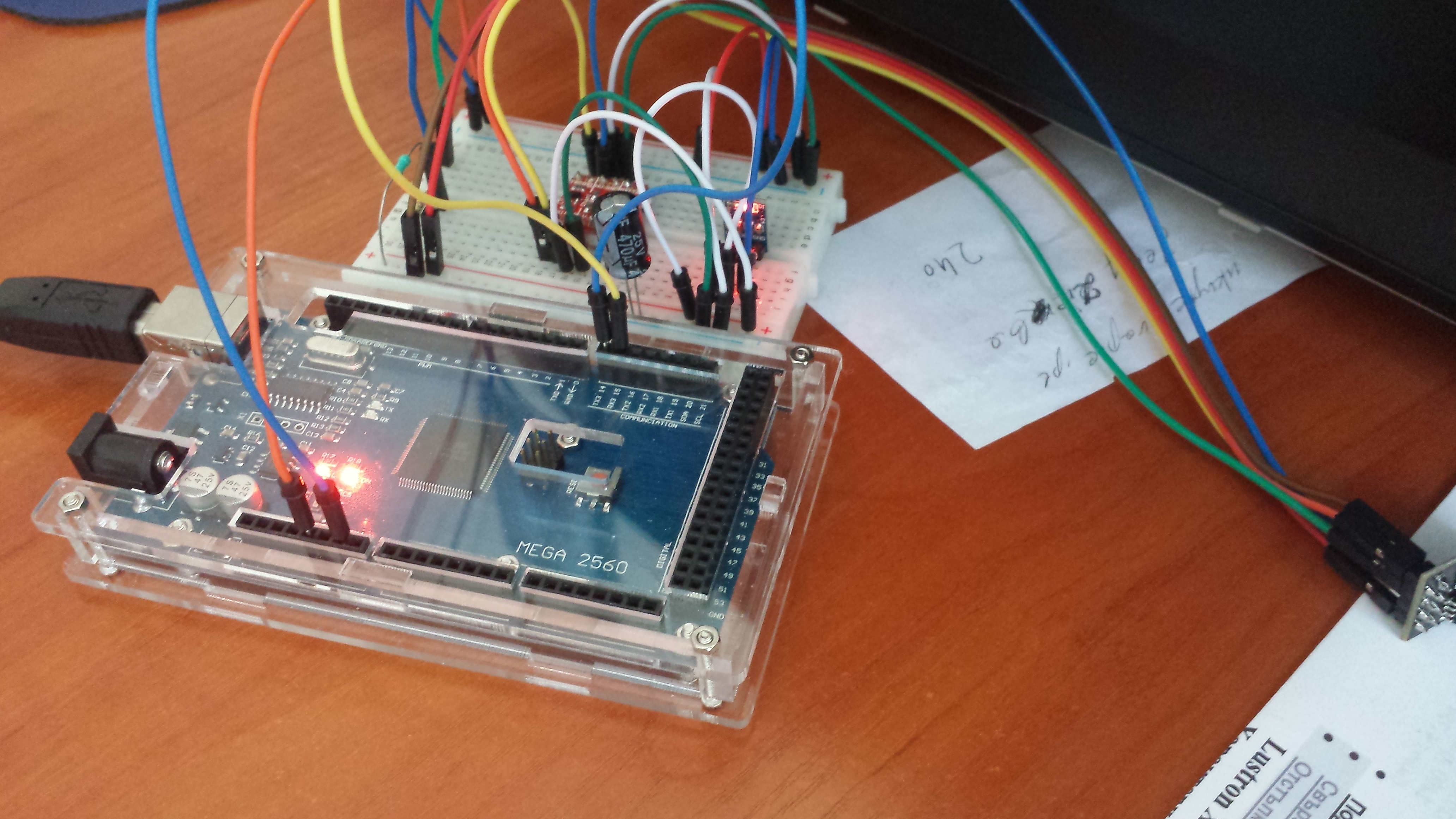
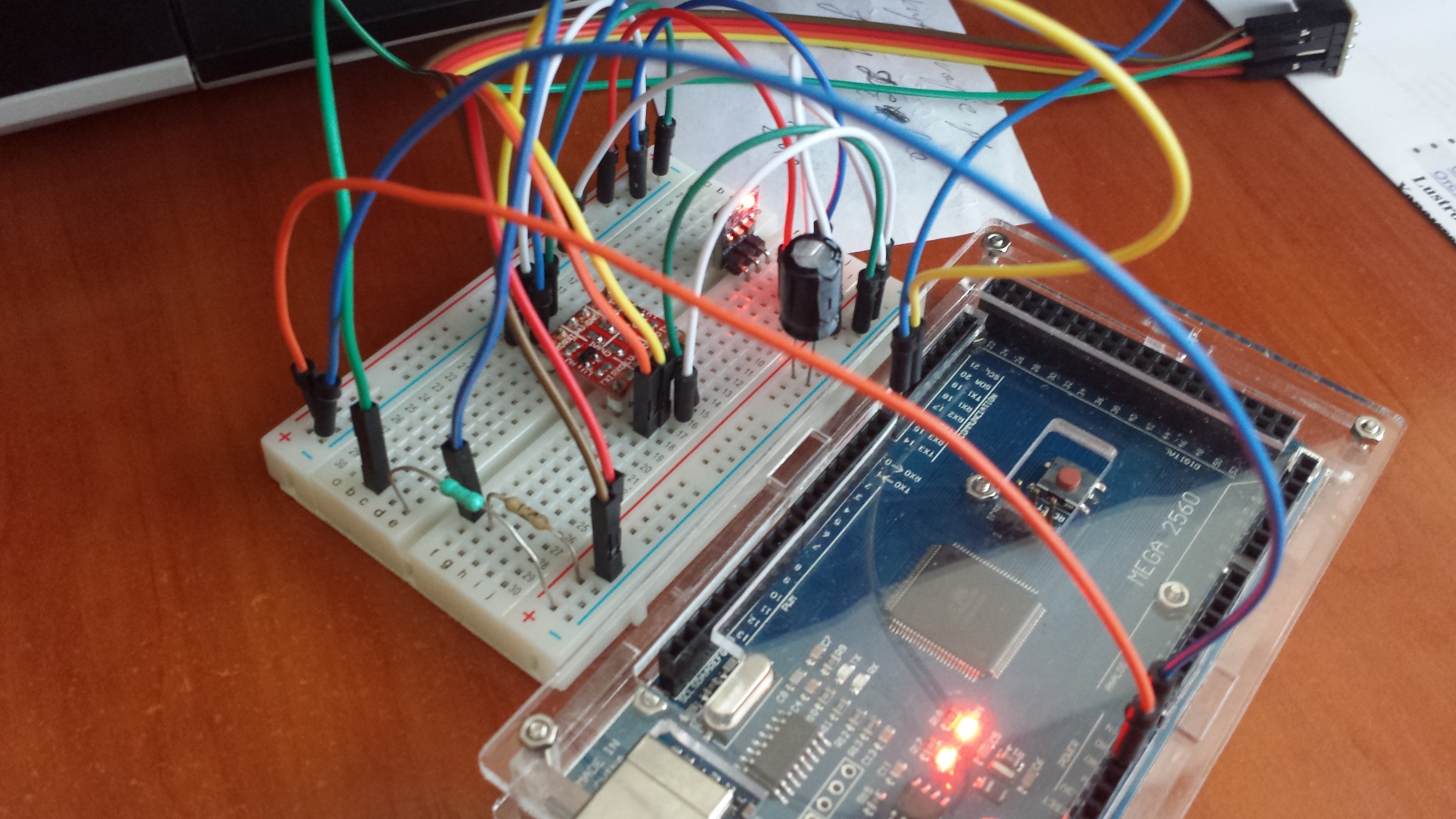
Arduino MEGA to its Serial3 port. I have connected RX to TX and TX to RX pins of Mega and ESP. I used a bi-directional level shifter and 3.3 V power suplly for the ESP module. CH_PD is connected to 3.3 V with a 1k resistor and GPIO0 is connected to 3.3 V too with a 10 kOhm resistor. I am running the ESP8266 HardSerial example sketch. I get this when power up the arduino -
[19] Blynk v0.3.1
[520] Connecting to VDSNetwork
[1541] Failed to disable Echo
and the sketch is -
//#define BLYNK_DEBUG
#define BLYNK_PRINT Serial    // Comment this out to disable prints and save space
#include <ESP8266_HardSer.h>
#include <BlynkSimpleShieldEsp8266_HardSer.h>

// Set ESP8266 Serial object
#define EspSerial Serial3

ESP8266 wifi(EspSerial);

// You should get Auth Token in the Blynk App.
// Go to the Project Settings (nut icon).
char auth[] = "xxx";

void setup()
{
  // Set console baud rate
   Serial.begin(9600);
   delay(10);
  // Set ESP8266 baud rate
  EspSerial.begin(115200);
  delay(10);

  Blynk.begin(auth, wifi, "VDSNetwork", "xxxxxxx");
}

void loop()
{
  Blynk.run();
}
The ESP module is working when I connect it with an USB to UART converter to the PC. It connects to my router. But connected to arduino it is not working. Please help !
I’ve read this tutorial but it uses the ITEADLIB_Arduino_WeeESP8266-master library. Is it supported by Blynk v0.31 ? Also I’ll have to downgrade the firmware of my ESP to AT v0.22.
I found the Blynk 0.3.2 Beta library. I’ve unziped it into libraries folder, and I’ve uploaded the sketch again. The result is the same. Not connected to Blynk.
@Costas Thanks I download the new library and now no compile errors
I tried to on and off the led on arduino mega(pin13) but no response from the arduino
nothing displayed on serial monitor.
How can i check whether my arduino & esp8266 is connected to the blynk server.
Is there any specific firmware version that to be used for esp8266 to connect with blynk ?.
//#define BLYNK_DEBUG
#define BLYNK_PRINT Serial    // Comment this out to disable prints and save space
#include <ESP8266_HardSer.h>
#include <BlynkSimpleShieldEsp8266_HardSer.h>

// Set ESP8266 Serial object
#define EspSerial Serial3

ESP8266 wifi(EspSerial);

// You should get Auth Token in the Blynk App.
// Go to the Project Settings (nut icon).
char auth[] = "xxxxxxx";

void setup()
{
  // Set console baud rate
   Serial.begin(9600);
   delay(10);
  // Set ESP8266 baud rate
  EspSerial.begin(115200);
  delay(10);

  Blynk.begin(auth, wifi, "MYWIFISSID", "PASSWORD");
}

void loop()
{
  Blynk.run();

}
I made connections as said above.
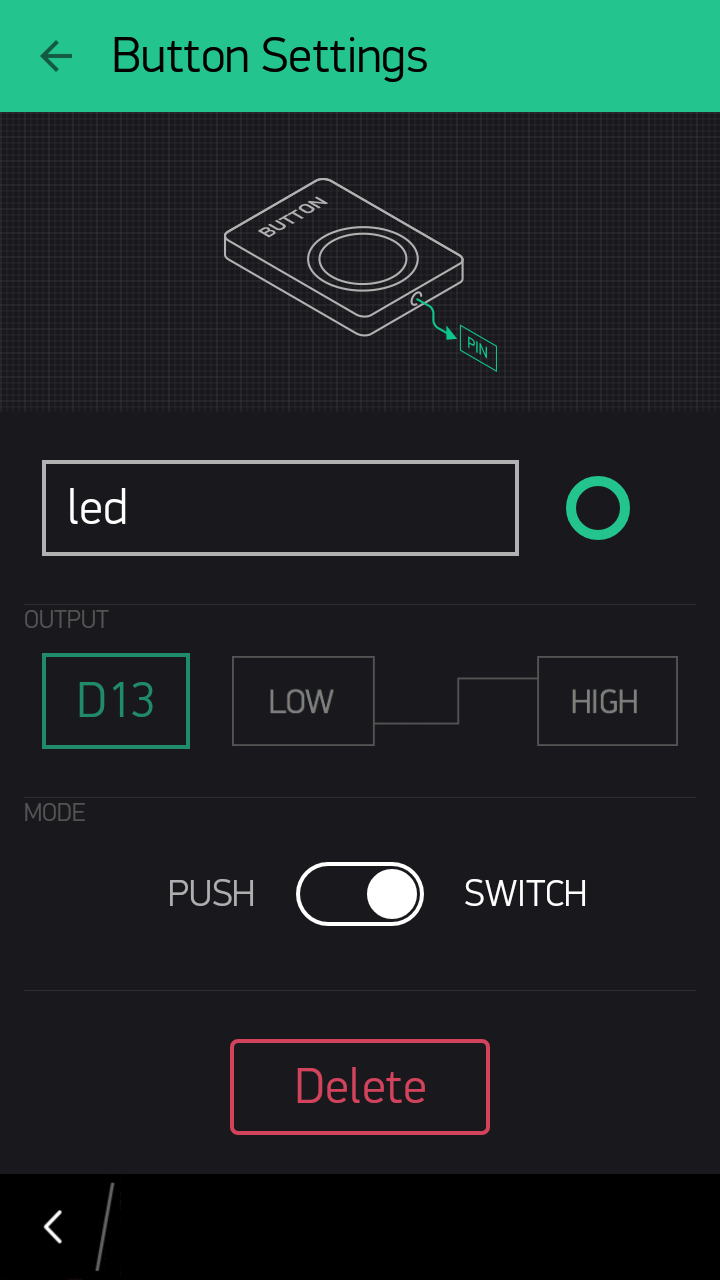
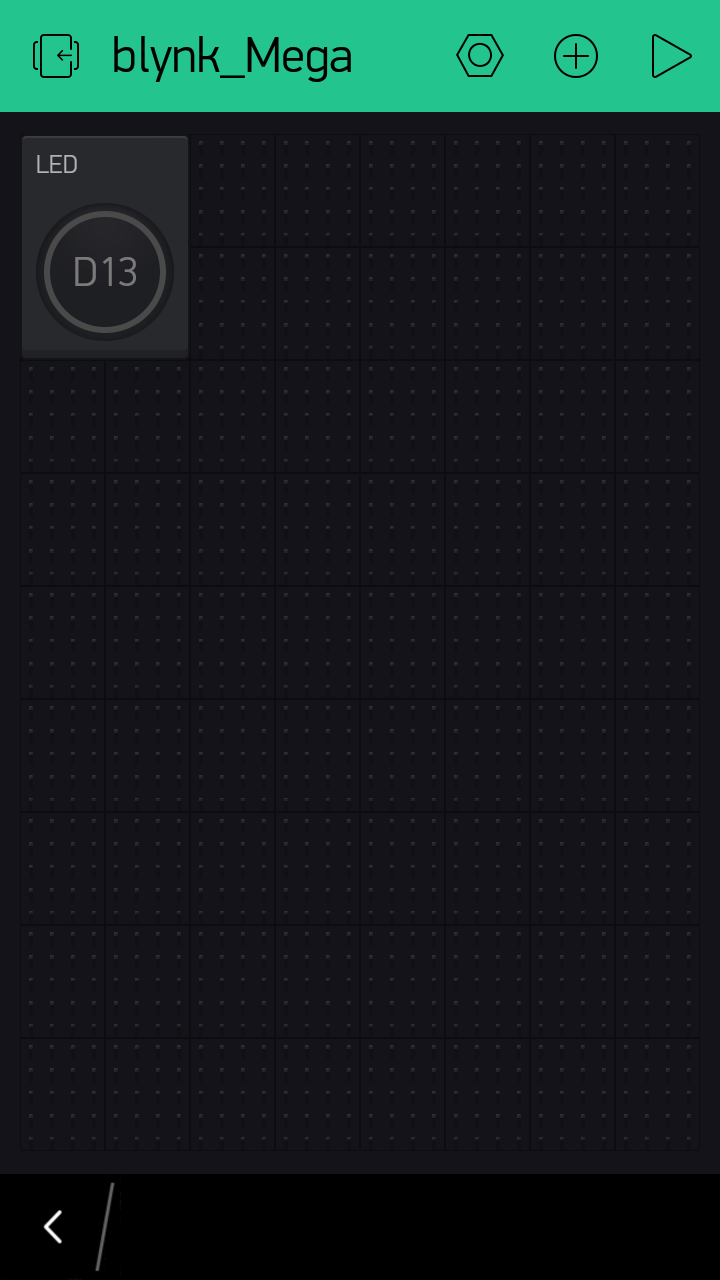
And in blynk app i have selected hardware model as Arduino Mega , added a button widget as following
@saichandu sketch looks ok. I notice you show Serial3. Is the ESP wired to Serial3 on the Mega and is it wired up correctly?
Presumably you have your actual router SSID and password in the sketch rather than MYWIFISSID", “PASSWORD”? It’s just that you are showing your actual token in the sketch which should be more private than your router SSID and pwd i.e. we could control your Mega from here (not with the app but in other ways) whereas we don’t know where you live so knowing your SSID and pwd doesn’t really compromise your security.
I prefer to see XXXXX in real sketches for token, SSID and pwd and then I know the user has set them to something specific rather than MYWIFISSID", “PASSWORD” which will not work, unless of course they are the actual credentials you have on your router
Thanks for the advice I edited the post @Costas . In app it is showing your hardware is offline.
after changing the baudrate in serial monitor i got the following message
[19] Blynk v0.3.1
[520] Connecting to CHANDWiFi
[1530] Failed to disable Echo @Lichtsignaal