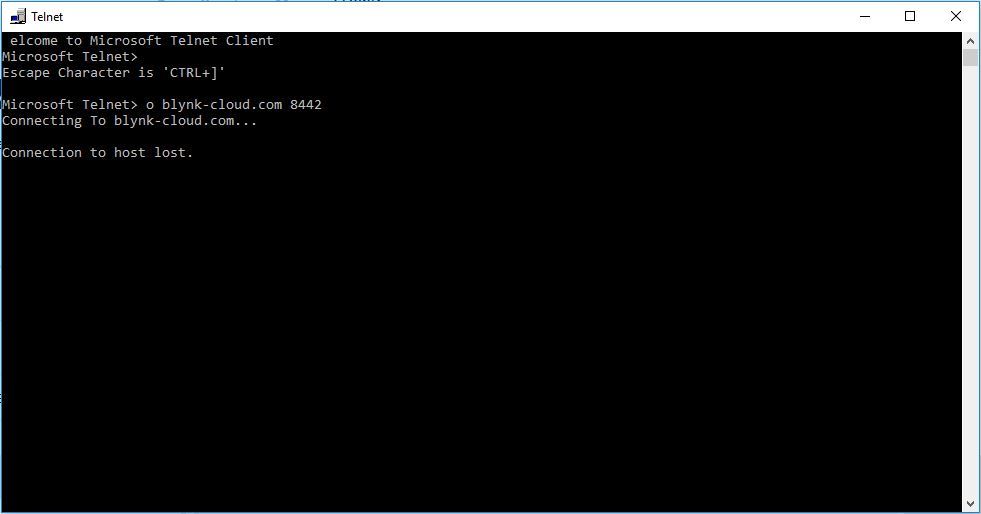
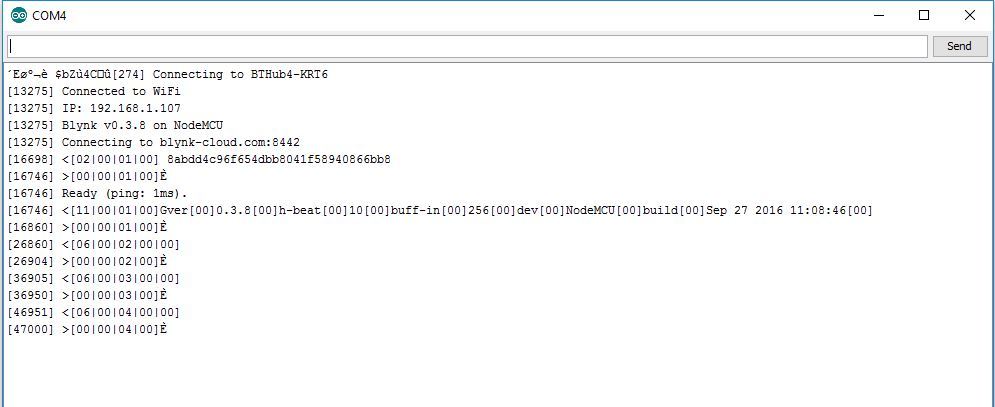
I get the following:
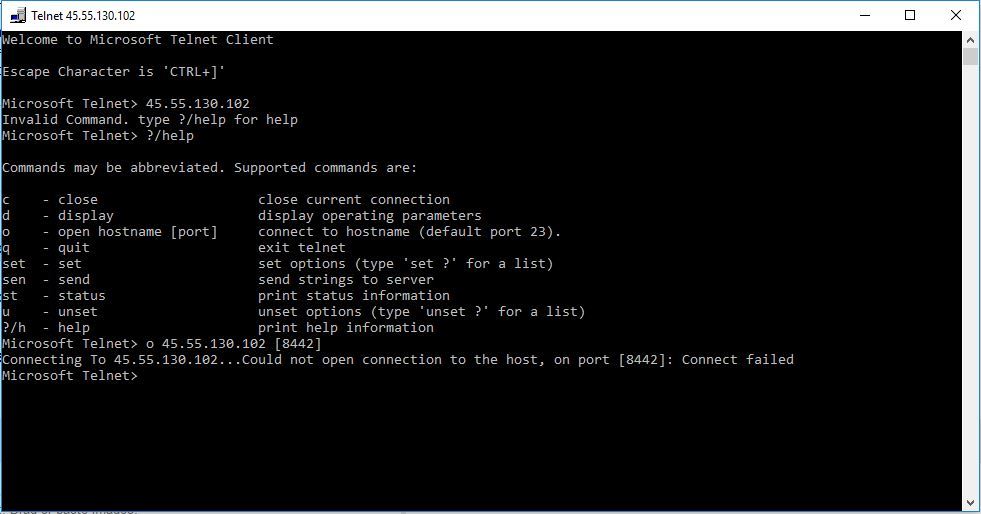
If it is port blocking causing this, how do I unblock it? Or am I doing this test wrongly?
I get the following:
If it is port blocking causing this, how do I unblock it? Or am I doing this test wrongly?
It starts connecting, then says ‘press any key to continue’. I press space bar, wait a while and nothing happens. Then press space bar again and shows the following:
That is what you should get with telnet as you are not providing a token. Have you also tried it with the IP address? Looks ok so you probably have another problem.
Bad sketch
Bad token
Bad ESP / Arduino
Bad something else
What about library problems? Last time I had blynk working I had to mod the blynkSimpleEsp8266.h include file, to stop a 0.0.0.0 can’t connect error. I used that modded library when the 0.0.0.0 can’t connect error happened again. I used the latest blynk esp8266 libraries (unmodded) for my last non-working test on an ESP8266-12!
Paste your formatted sketch.
What does formatting sketch involve? Is it to make it readable in a forum post? I don’t know how to do that!
Paste, highlight then press </>
It’s over 2000 lines! What’s the minimum I need to post?
you can never post too much code… but you can easily post “not enough” code…
@BiggestMarioFan what do you get when you use this ESP standalone sketch (enter your token, SSID and password)? Try with and without the first line commented out.
#define BLYNK_DEBUG
#define BLYNK_PRINT Serial    // Comment this out to disable prints and save space
#include <ESP8266WiFi.h>
#include <BlynkSimpleEsp8266.h>

// You should get Auth Token in the Blynk App.
// Go to the Project Settings (nut icon).
char auth[] = "YourAuthToken";

// Your WiFi credentials.
// Set password to "" for open networks.
char ssid[] = "YourNetworkName";
char pass[] = "YourPassword";

void setup()
{
  Serial.begin(9600);
  Blynk.begin(auth, ssid, pass);
  while (Blynk.connect() == false) { // try to connect to server for 10 seconds
  }
}

void loop()
{
  Blynk.run();
}OK, got the following:
Debug line uncommented:
Debug line commentred:
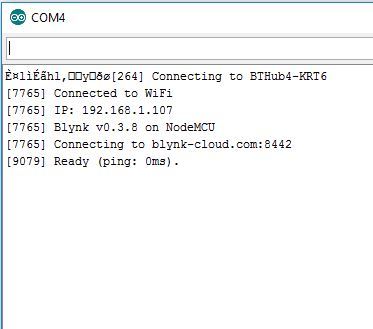
Not sure if it means it’s successfully connected, but at least it’s different!
Yes you are connected so your full sketch has bugs. Work up from this simple sketch, adding a bit at a time until you find your bugs. Comment out the debug when it is not essential as it slows the system down by up to a factor of 10.
@BiggestMarioFan notice you are using the “wrong” (old) libraries. Be sure to move from 0.3.8 to 0.3.9.
Then the website ‘getting started’ library link needs updated!
Hi I’m new on Blynk, using an Arduino UNO and the Arduino WiFI shield.
I downloaded the example program Arduino_WiFi_Shield and created a project on my iPhone
downloading the adapted code (said, password and auth) changed connects to my WiFi but do not connect to the Blynk server. The flooding message is in the serial monitor screen
[10001] IP: 192.168.0.2
[10001]
___ __ __
/ _ )/ /_ _____ / /__
/ _ / / // / _ / '/
///_, /////_
/__/ v0.4.4 on Arduino Uno
[10114] Connecting to blynk-cloud.com:8442
[21161] Connecting to blynk-cloud.com:8442
[31164] Connecting to blynk-cloud.com:8442
On my MacBook I tried with TELNET the following and it seems I could connect to the Blynk server. What’s wrong ?
telnet> open blynk-cloud.com 8442
Trying 139.59.206.133…
Connected to blynk-cloud.com.
Escape character is ‘^]’.
So because I’m new I think I forget something but I do not know what ? Can you help me\
I don’t see any flooding message.
Paste your formatted sketch with the token removed.
flooding => following (excuses for the typo)
Is standard Arduino_WiFI_Shield program that can be found in the examples
You have exactly this with entries for auth, ssid and pass?
#define BLYNK_PRINT Serial    // Comment this out to disable prints and save space
#include <SPI.h>
#include <WiFi.h>
#include <BlynkSimpleWifi.h>

char auth[] = "YourAuthToken";
char ssid[] = "YourNetworkName";
char pass[] = "YourPassword";

void setup()
{
  Serial.begin(9600);
  Blynk.begin(auth, ssid, pass);
}

void loop()
{
  Blynk.run();
}
What do you get in a browser if you enter your auth in this url?