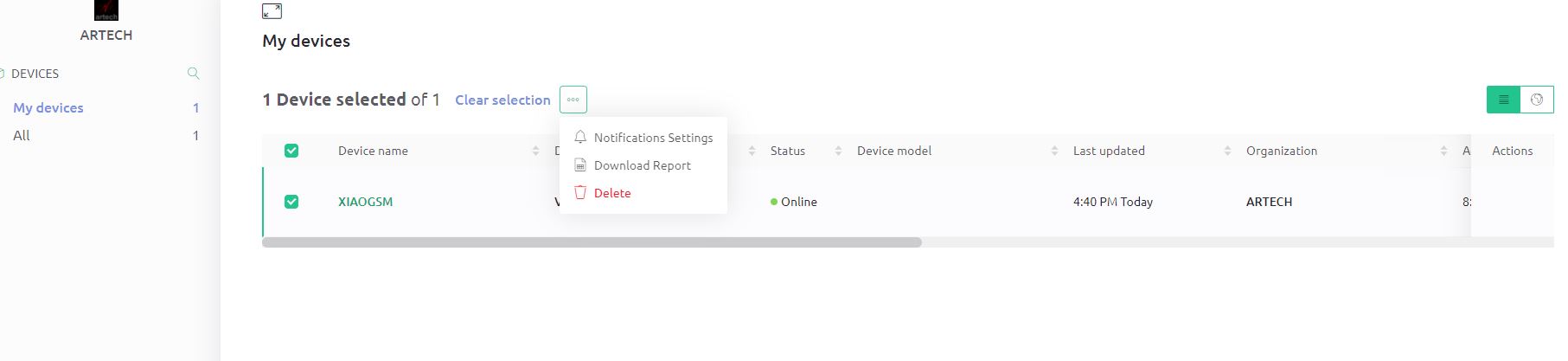
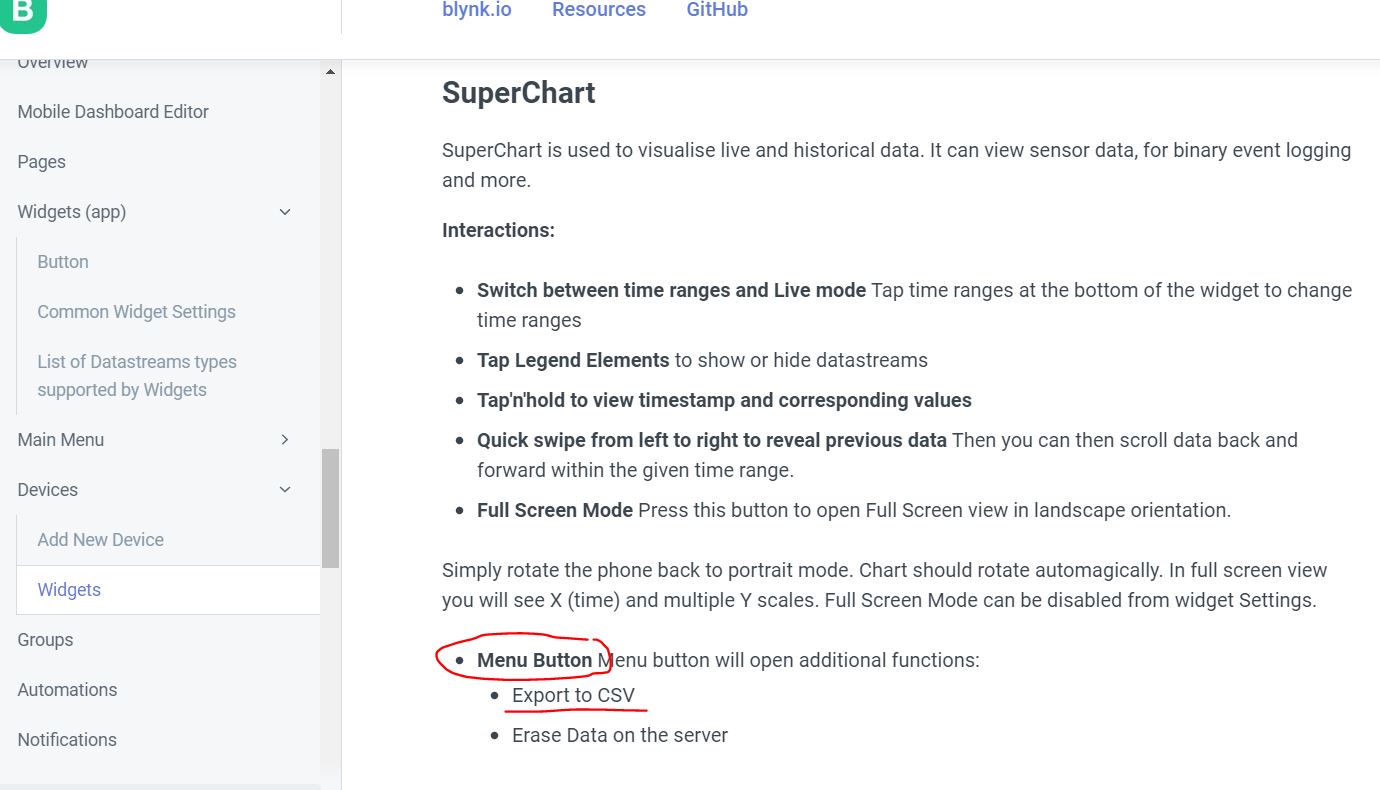
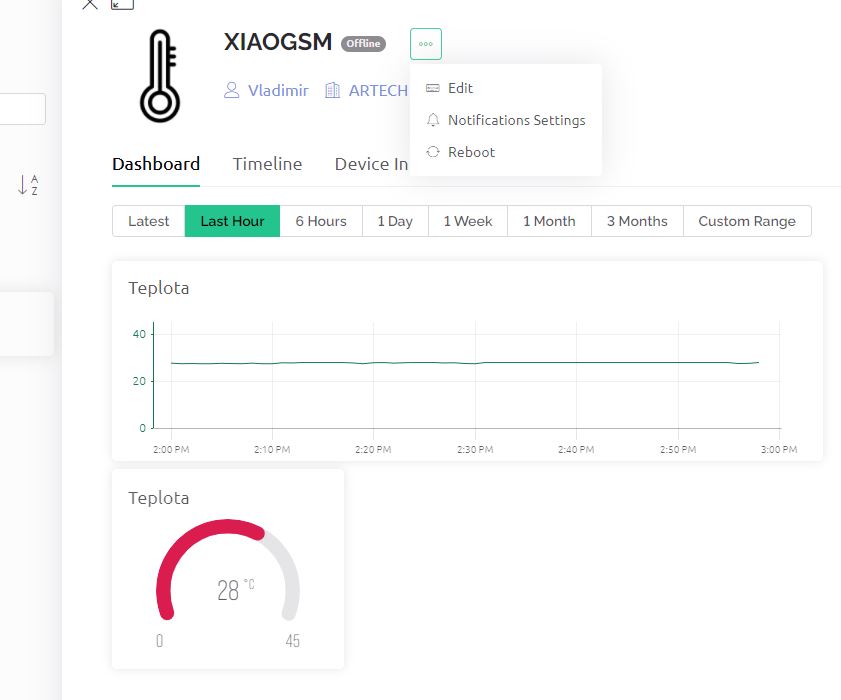
Hello, I would like to ask you with my problem with Menu button in SuperChart. I have problem with export data from SuperChart and Chart- missing menu button for export.
I have Arduino (SEED XIAO) and SIM800 hardware, data sending every 10 sec to blynk server as V0, temperature is in float.
sensors.setResolution(9);
sensors.requestTemperatures(); // Send the command to get temperatures
float teplota = sensors.getTempCByIndex(0);
Serial.println(teplota, 2);  // + "°C");
Blynk.virtualWrite(V0, teplota);
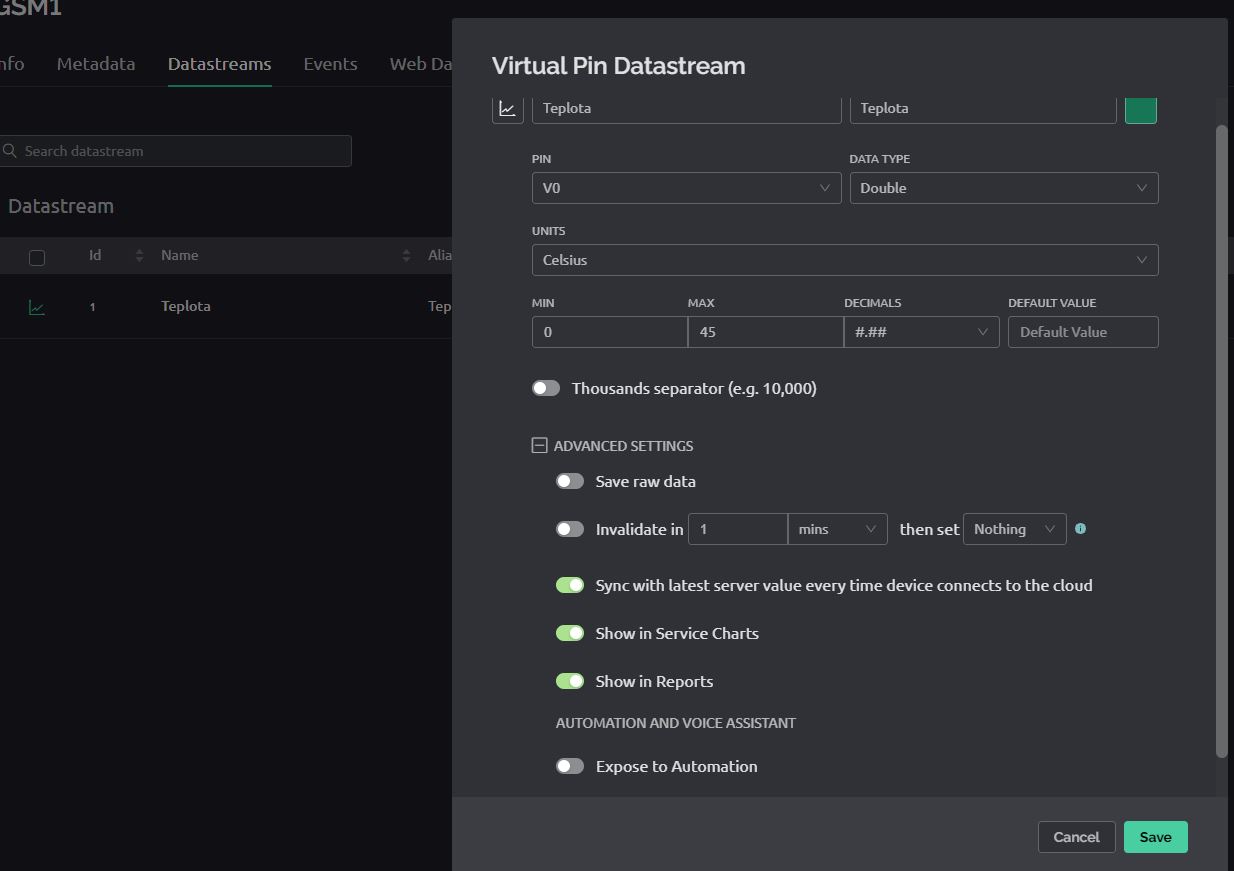
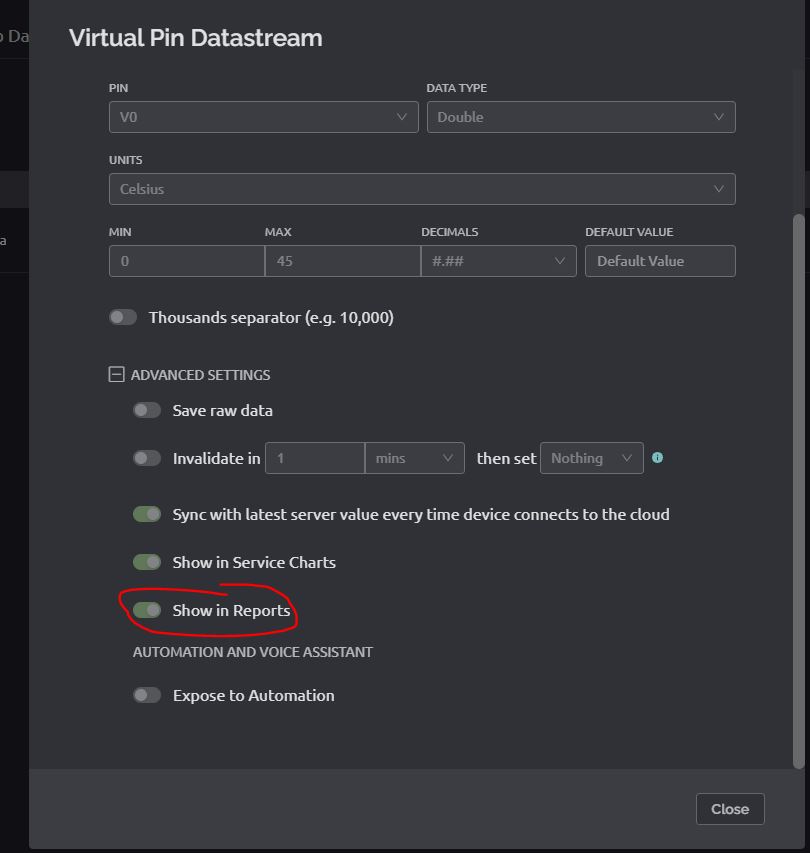
Datastream as Double.I have Plus plan. Mobile app is Blynk IoT.
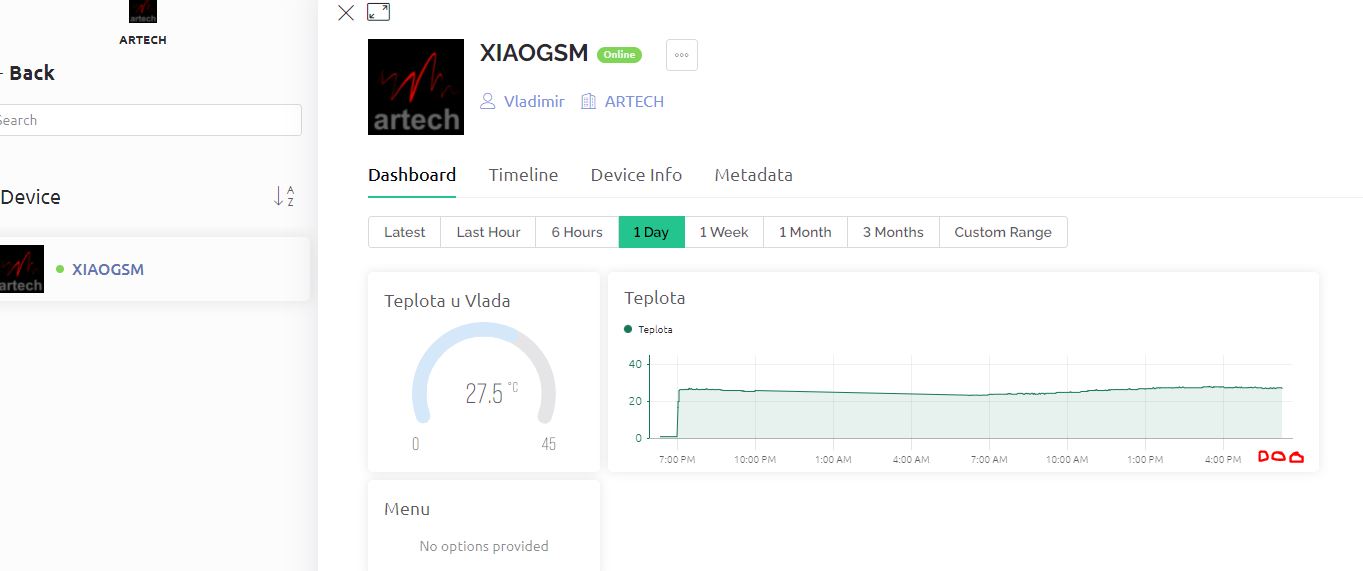
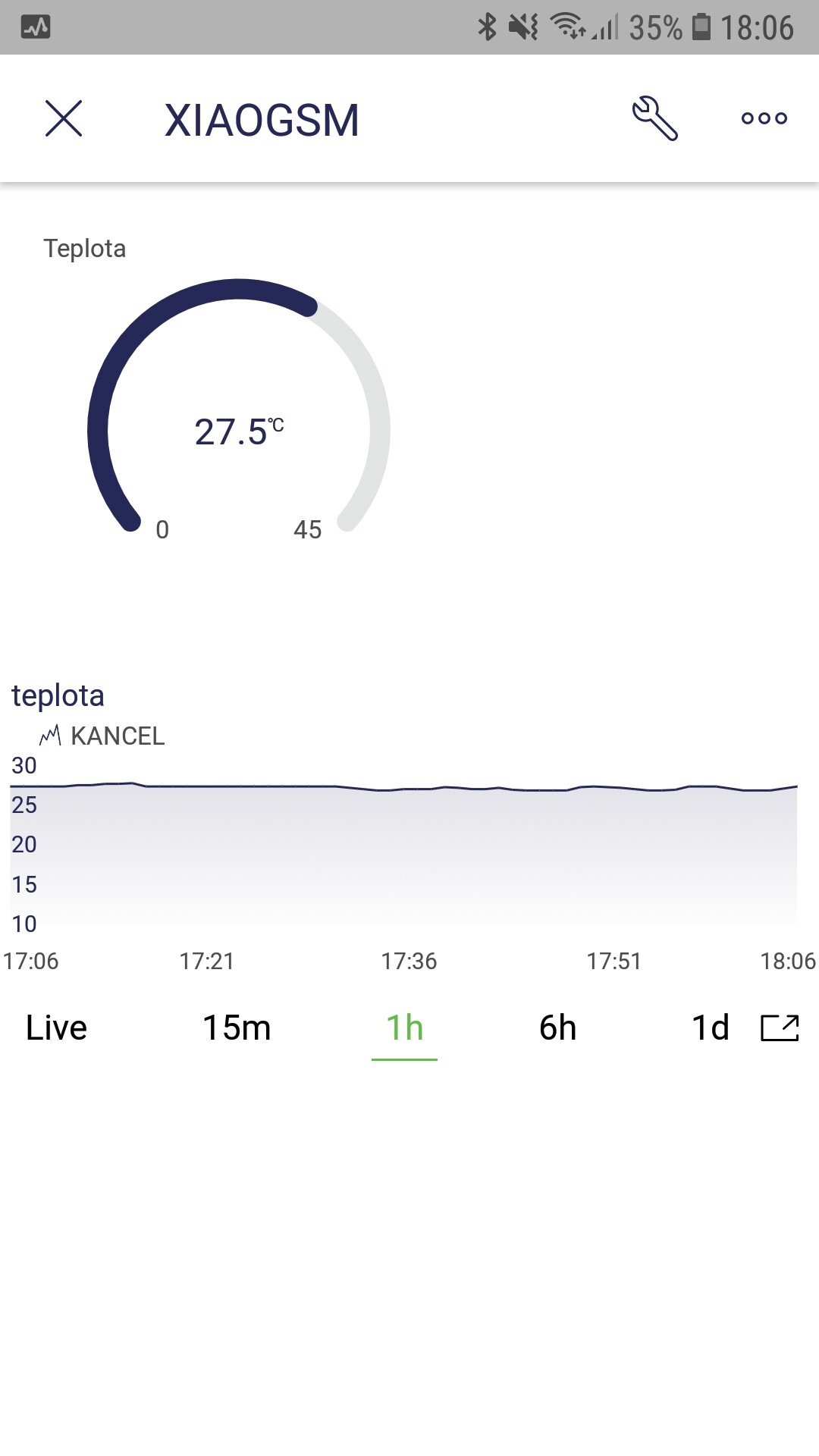
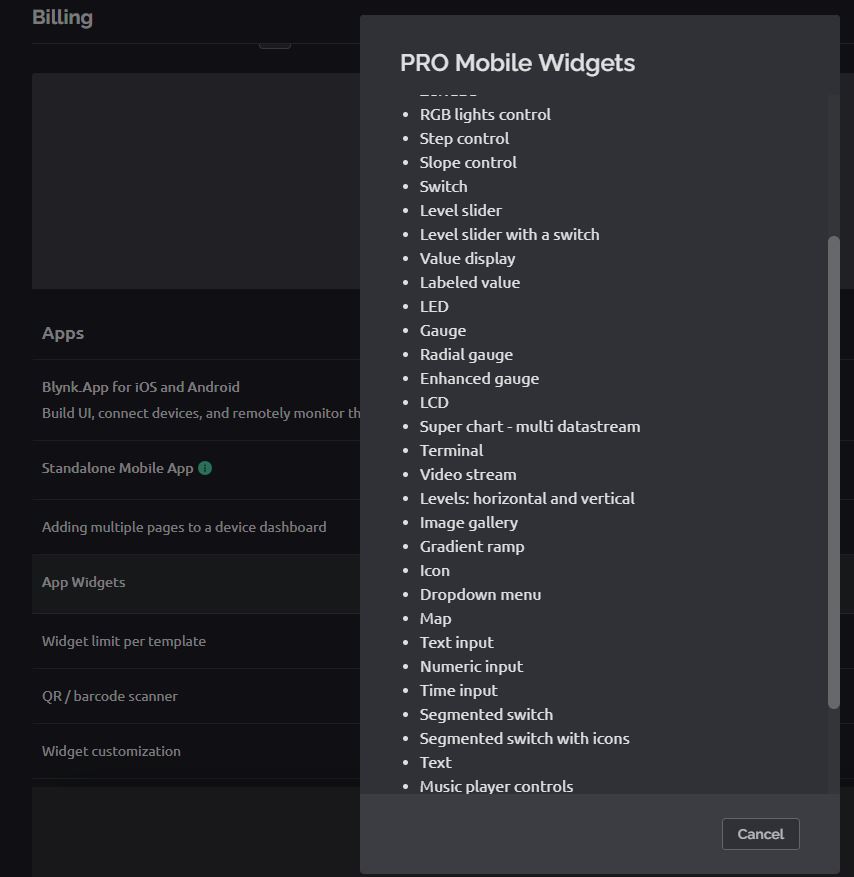
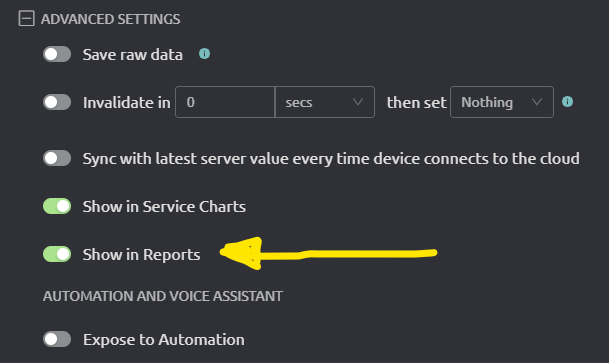
the web dashboard has only Chart without Menu Button for export data (I have 14 widgets in web dashboard other widgets are only mobile apps?). Where can I find the SuperChart with export menu please? the documentation refers to this menu, it is wrong or old .
my idea was to export data for a month / week … preferably automatically (the first day of the month at 00:00) or a button from the user. the user will receive an email with an attachment or download link and import to exel.
I am a new to Blynk, I upgraded to PLUS due to data export, which unfortunately does not work according to the documentation.
I plan to move to the PRO plan when I show the customer a simple mobile environment with data export and after test operation.
A widget with an export button would be very useful, in its settings there would be a choice of export values V0, V1 …, time up to xx months, user email. In the application, I place only the export button next to the graph.
Is it possible to generate such a button from existing widgets using the API, the result will be an email with a link to download cvs data, please?
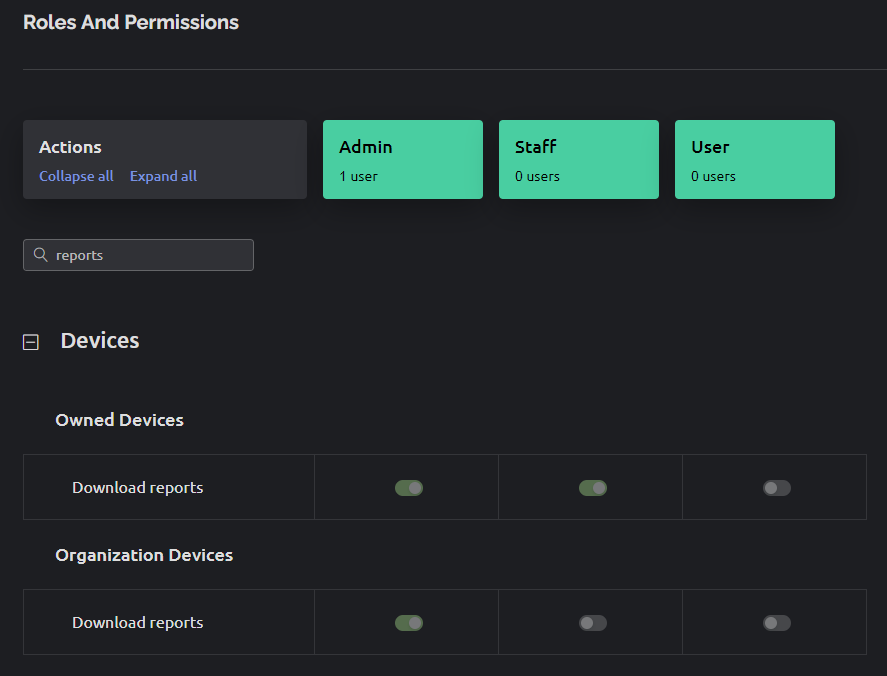
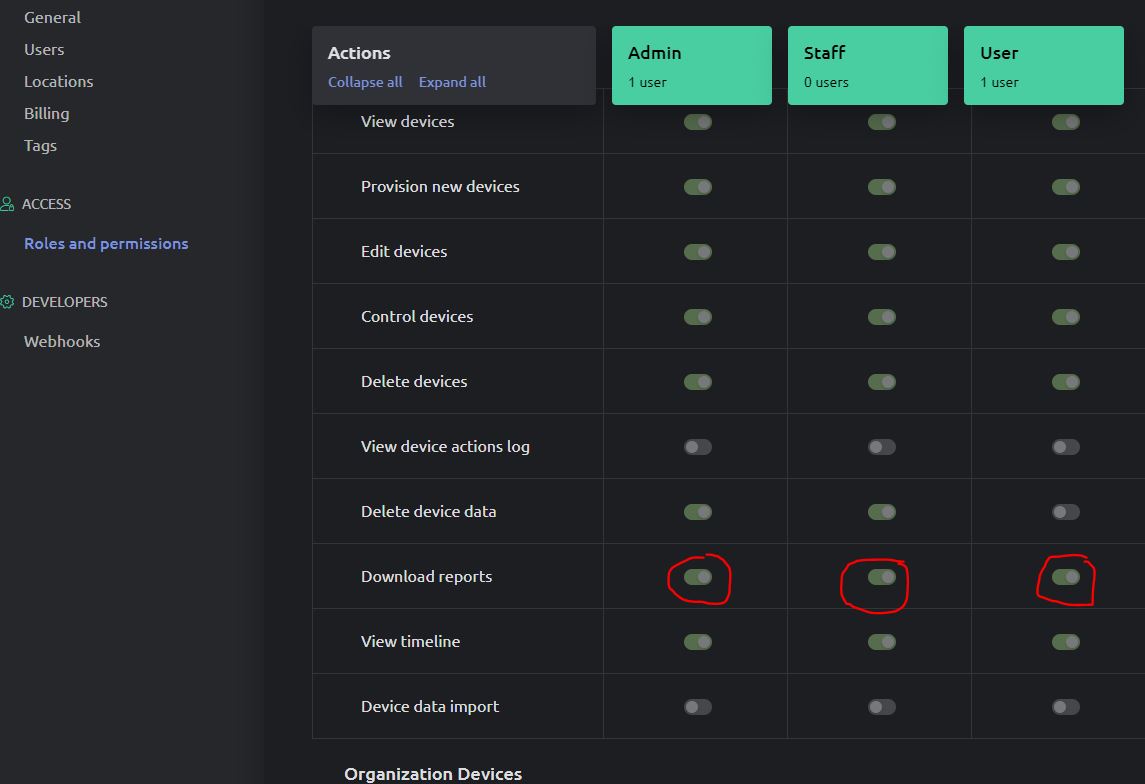
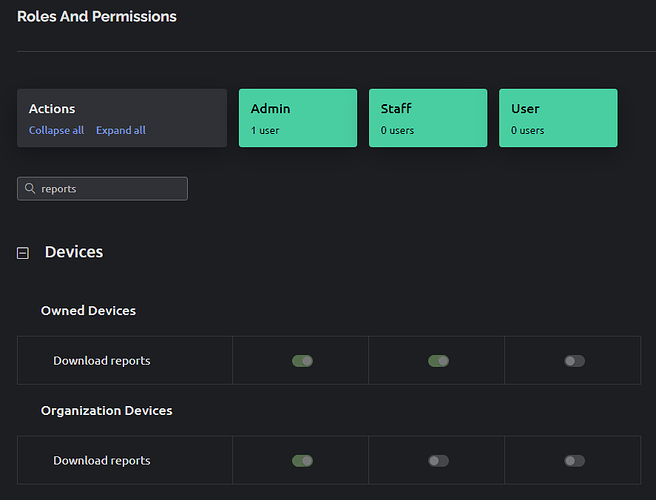
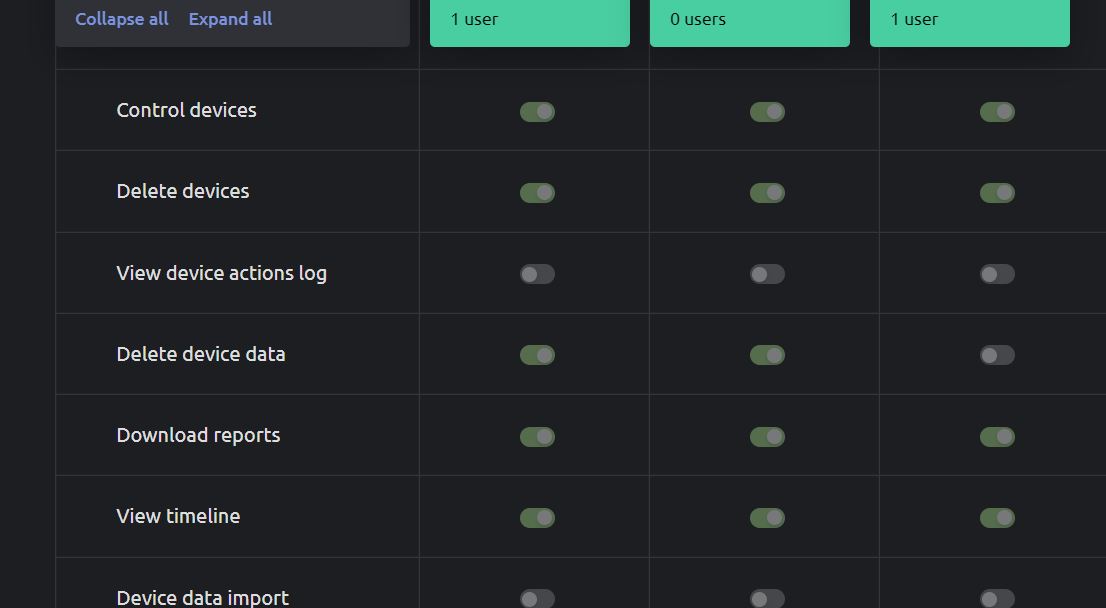
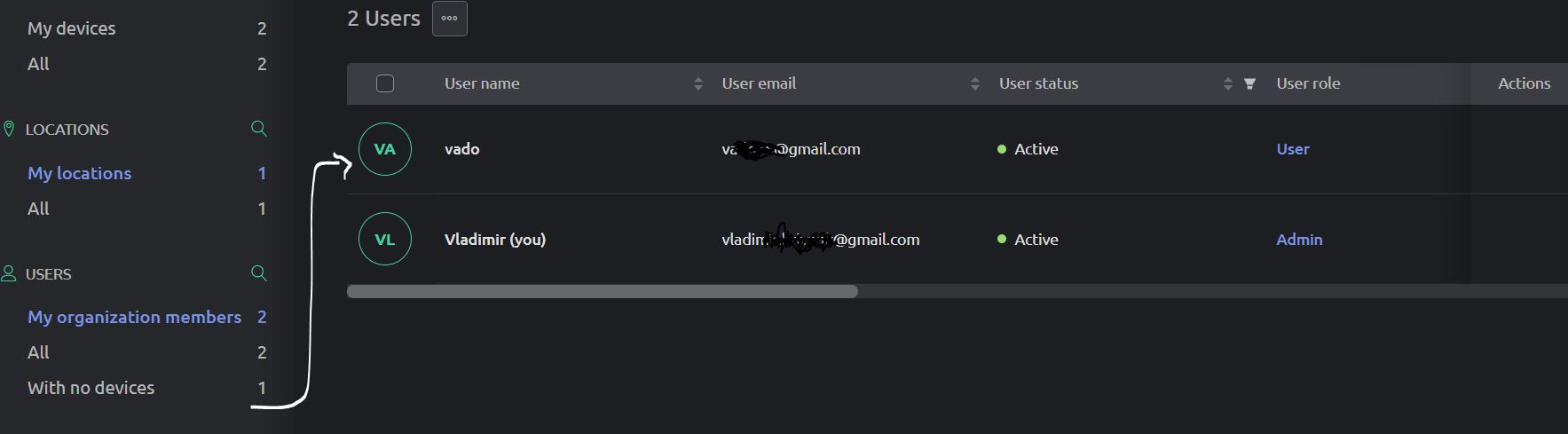
I don’t change role to Admin, but when I change owner everything is ok in PC. I don´t export data from mobile app (admin and user too).
however, the user still sees what he does not own (PC and app).
vlado