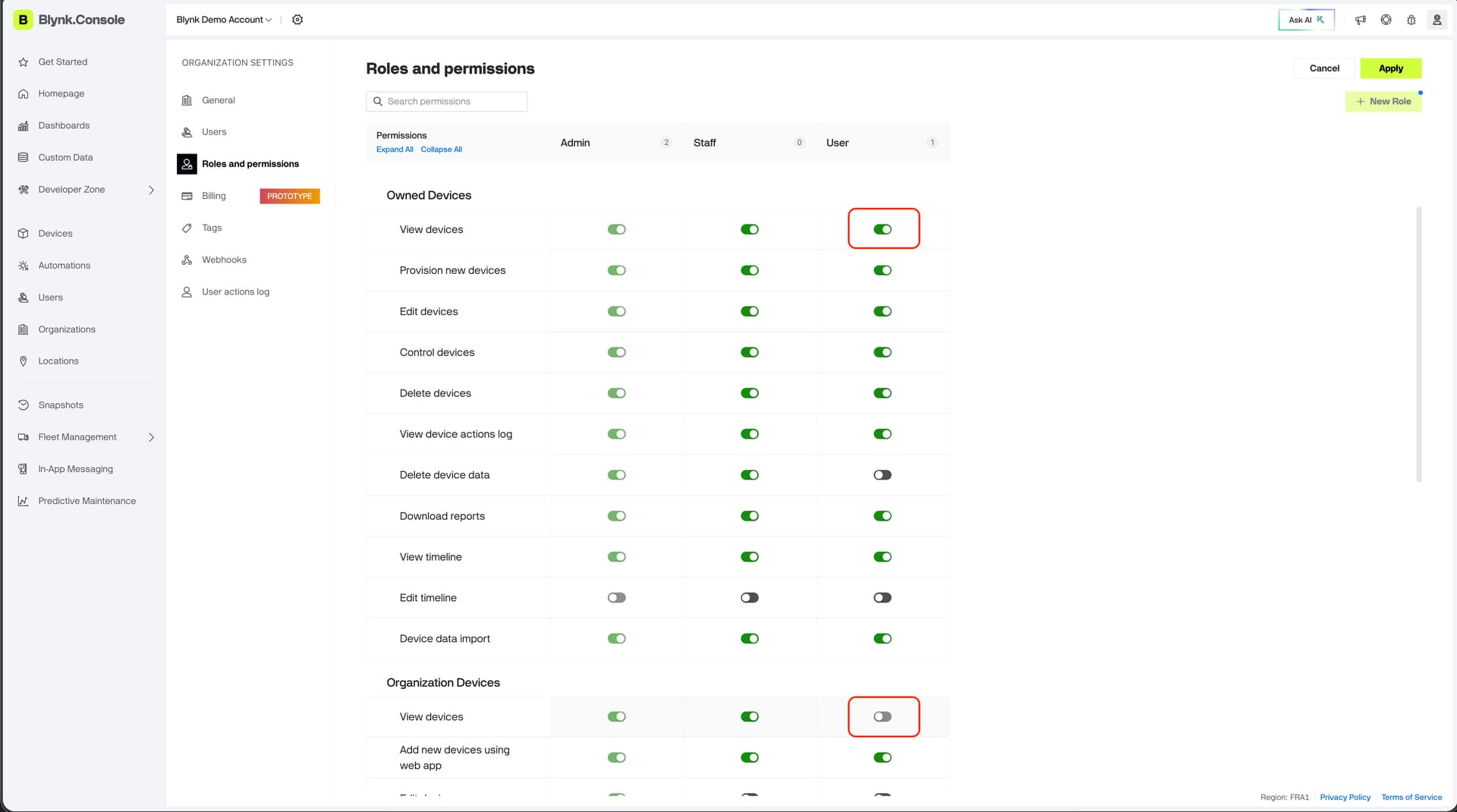
Hello, I am trying to understand the correct way to align a subset of active devices with a new sub-organization. I am at what used to be “Pro” level.
I am trying to set permissions such that a user can “see” only his device(s). I have tried several approaches, such as transferring devices to a sub-org, transferring to a new user, etc. Nothing seems to work, and the “set device view” options all seem to be locked out at the sub-org level. Not sure where to go next, short of deleting all of the other devices and starting over. Ideas?