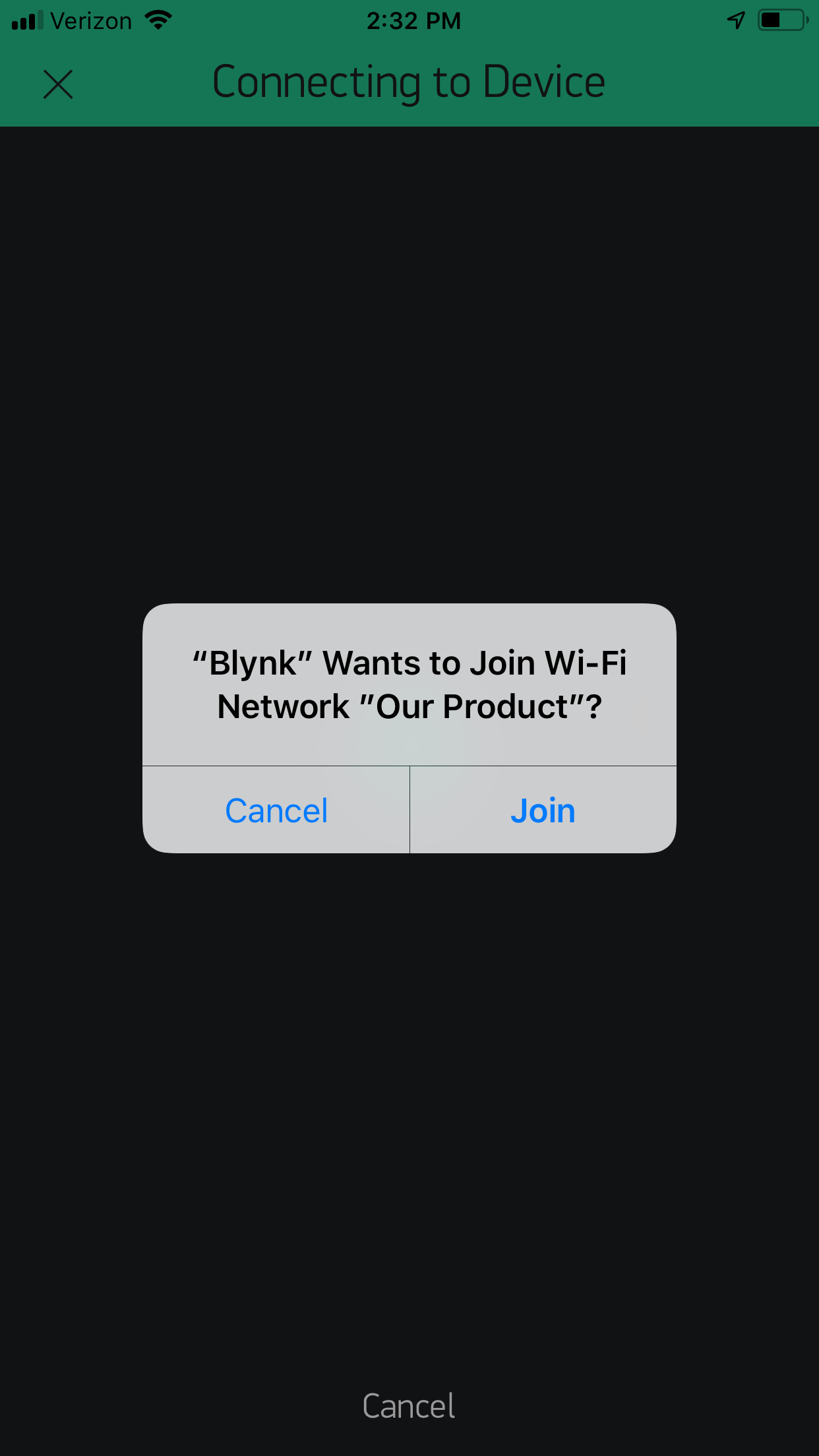
I’m not sure but on Android devices you don’t need to manually go to settings and connect to the “your product network” blynk does it all for you, perhaps iPhone is doing it as well?
Blynk Dynamic Auth Token Provisioning is extremely impressive. Being able to configure the expected PRODUCT_WIFI_SSID (or SSID’s, plural?) as part of the App Preview will give users a better appreciation for the final user experience.
Hi Gunner, while my other topic is related to Dynamic Auth Token Provisioning, it’s also more specific to the Device Tiles Widget Template. This topic deals only with the errant “Our Product” pop-up. I’d expect the community to prefer more focused topics rather than a single topic that meanders through several different issues. If not, let me know.
On iOS, there is no legal way to scan networks - we just make a blind attempt to join the “X” network from within the app, and system shows a popup asking user permission (like on your screenshot - that’s a system pop-up). We don’t do that if you have multiple products with different SSIDs, to avoid a misleading UX with a series system popups.
So, unless your products have exact same SSID, we just instruct the user to go to System Settings to join the desired network.
None of these relates to Android app - they do scan networks, filter them based on your SSID(s) and present to user to join the desired network.
Bit off-topic here, @Eugene I noticed iOS App (published) points the user to “App Settings” so user need to go back once, scroll all the way up, and then access WiFi settings, is it how it should be? I understand iOS got some limitations and blocks regarding what Apps can and can’t do. Is that the case? As user clicks on “Go to Settings” can’t we point them to “WiFi Settings” instead?
I agree… But it wasn’t clear if this was just another issue with Provisioning in the same project or not, which can go either way as worthy for same or different topic, so that is why I was asking.