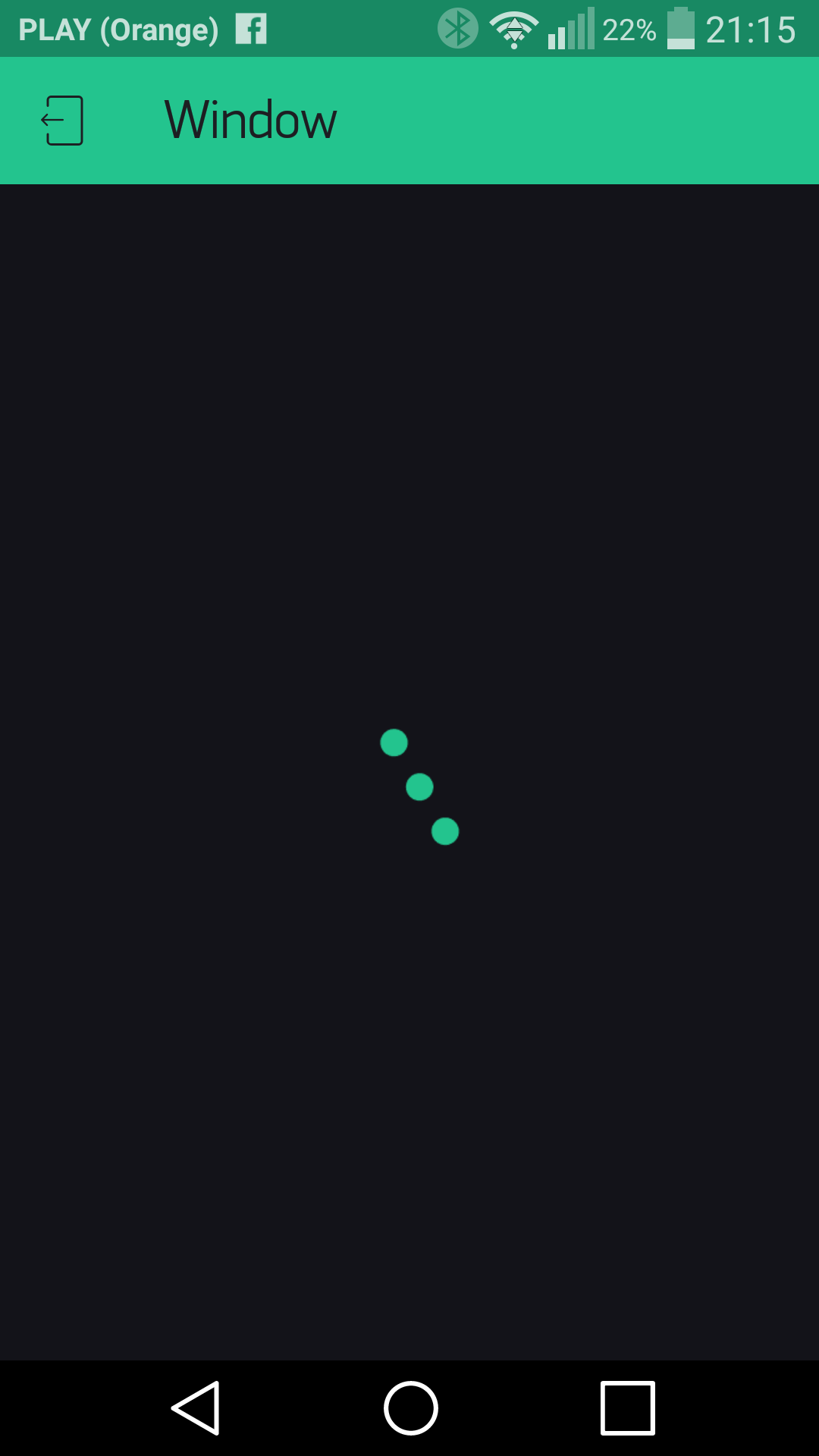
I can’t share my Blynk project with my wife.
I have read the documentation and have searched the forum, but with no luck to solve the problem.
I’ve found the similiar issue, which was raised more than a year ago, but it was closed.
Pavel described there there the steps of sharing::
Go to the qr code page in your project
On your wife’s phone - download Blynk. DON’T LOG IN. Or log out if she was logged in. There is a qr icon on the login screen - let your wife scan the code.
In your project press PLAY button
Your wife should see your project
I do exactly the same, but, unfortunately, in the step 4 I see just loading page with the prject name on my wife’s phone. And the loading lasts forever.
We both have the Android phones with the latest version of app (2.18.1), connected to the Blynk cloud server.
Thanks for any suggestions.
P.S. I tried to scan the QR code directly from my phone and then press the play button in the project. After that I tried to send the image to my wife, press the play button in my ptoject and scan the code after it. But the result was laways the sam, like on the screen above
I’ve tested on my phone this scenario - it works fine. Could you send me via PM your QR code, also had you tried to click on the share-url to open a shared app?
We have backward compatibility for such cases, but maybe they fail due to some reason. If I will receive the QR, it could help to debug and verify the cause of this bug.
That QR is generated by the older version of the app, we’ll fix in the next release backward compatibility for such QRs, now you could just regenerate it with newer app’s version.
Ok. Thank you. I have the latest version of app and I tried to press the Share link once again there. The result was the same. I, probably, need to press the “Refresh” button to re-generate the code from the newer version of app. Will try to do so. Thank you for the tip.