Ah Ha!!.. That makes more sense… thought we were all going nuts 
Having never ventured into the publishing realm of My Apps, I was unaware of how it works… OK, still don’t… I “created” a test project from one of my existing ones, but I can’t seem to find a page that looks quite as similar to yours screenshots… I still see delete options but can’t seem to get a device QR… so since I haven’t a clue what I am doing, I will defer any further advice for now 
EDIT - OK, got it… You need to scroll over to the “Start” page, click on My Apps, click on the “project”, click on the Settings “Nut” and scroll down to the Delete option.
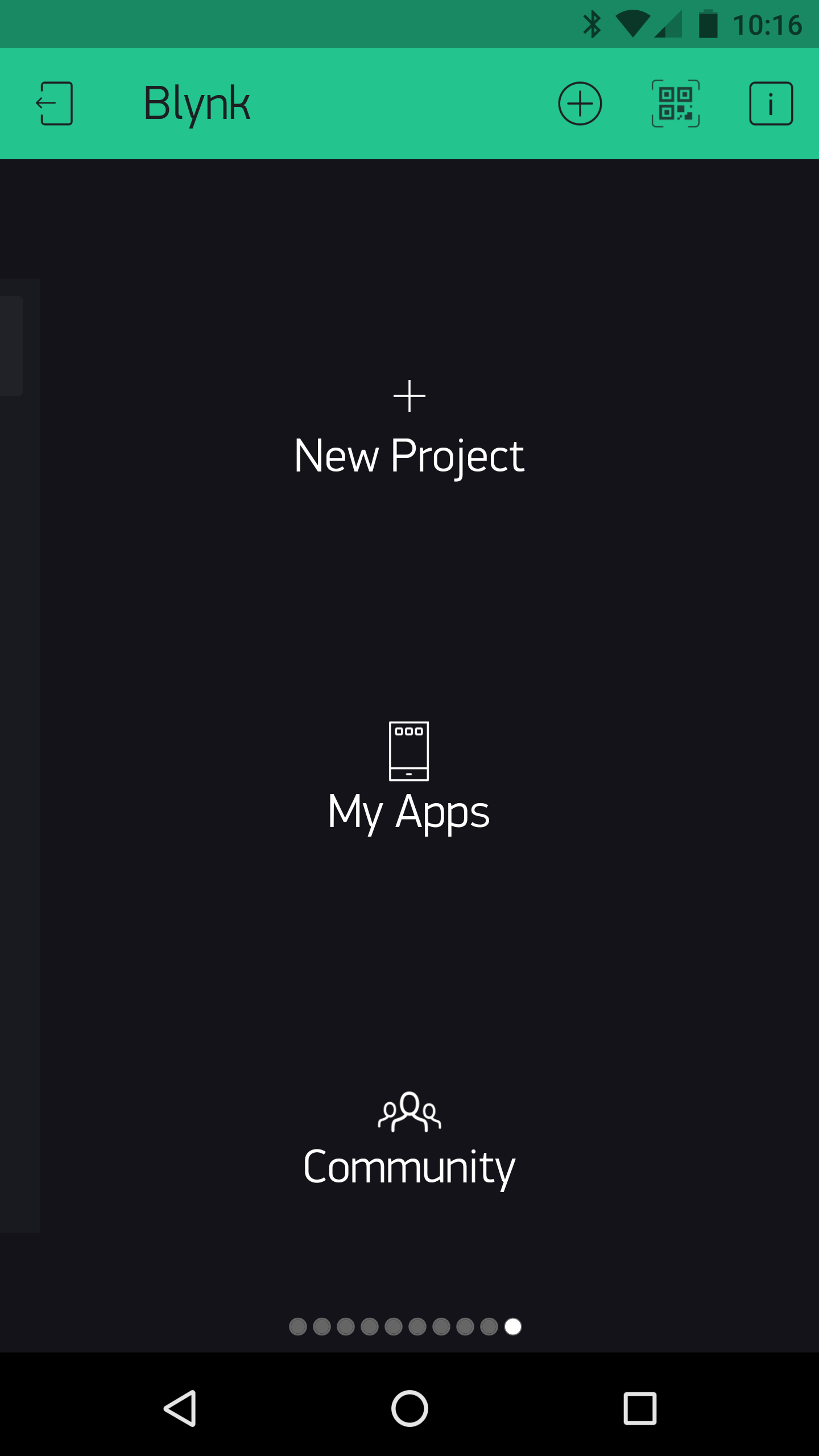
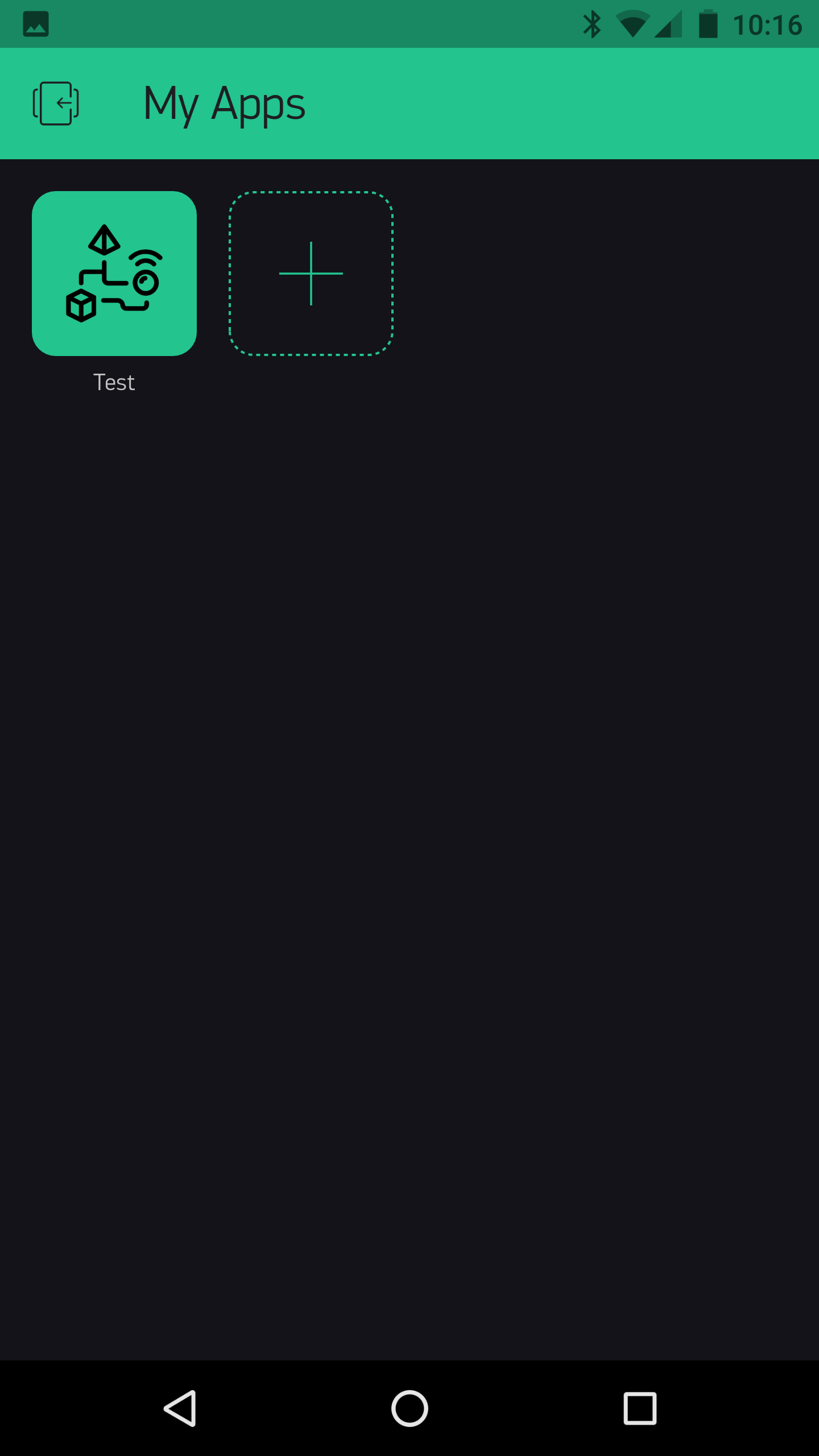
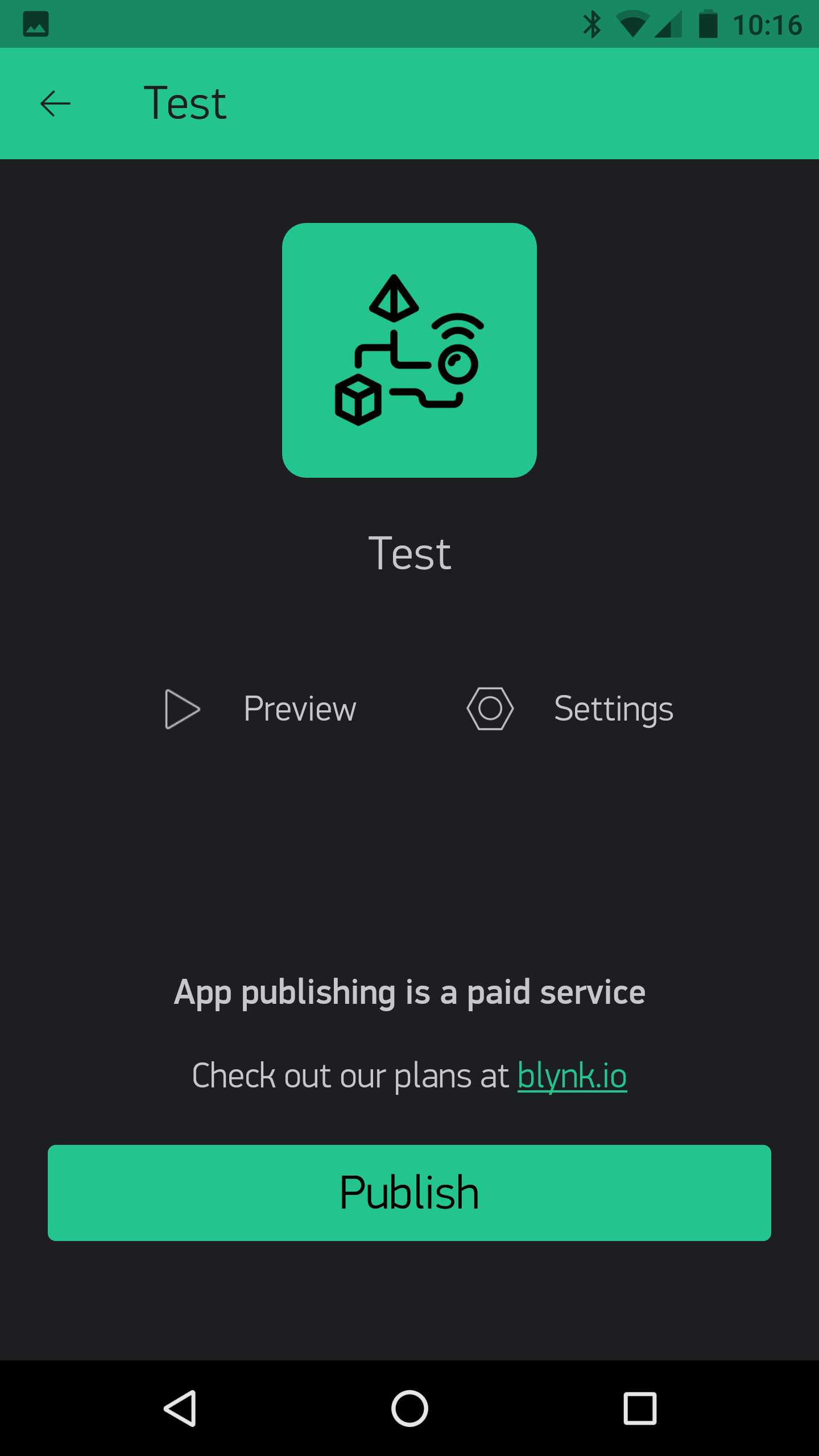
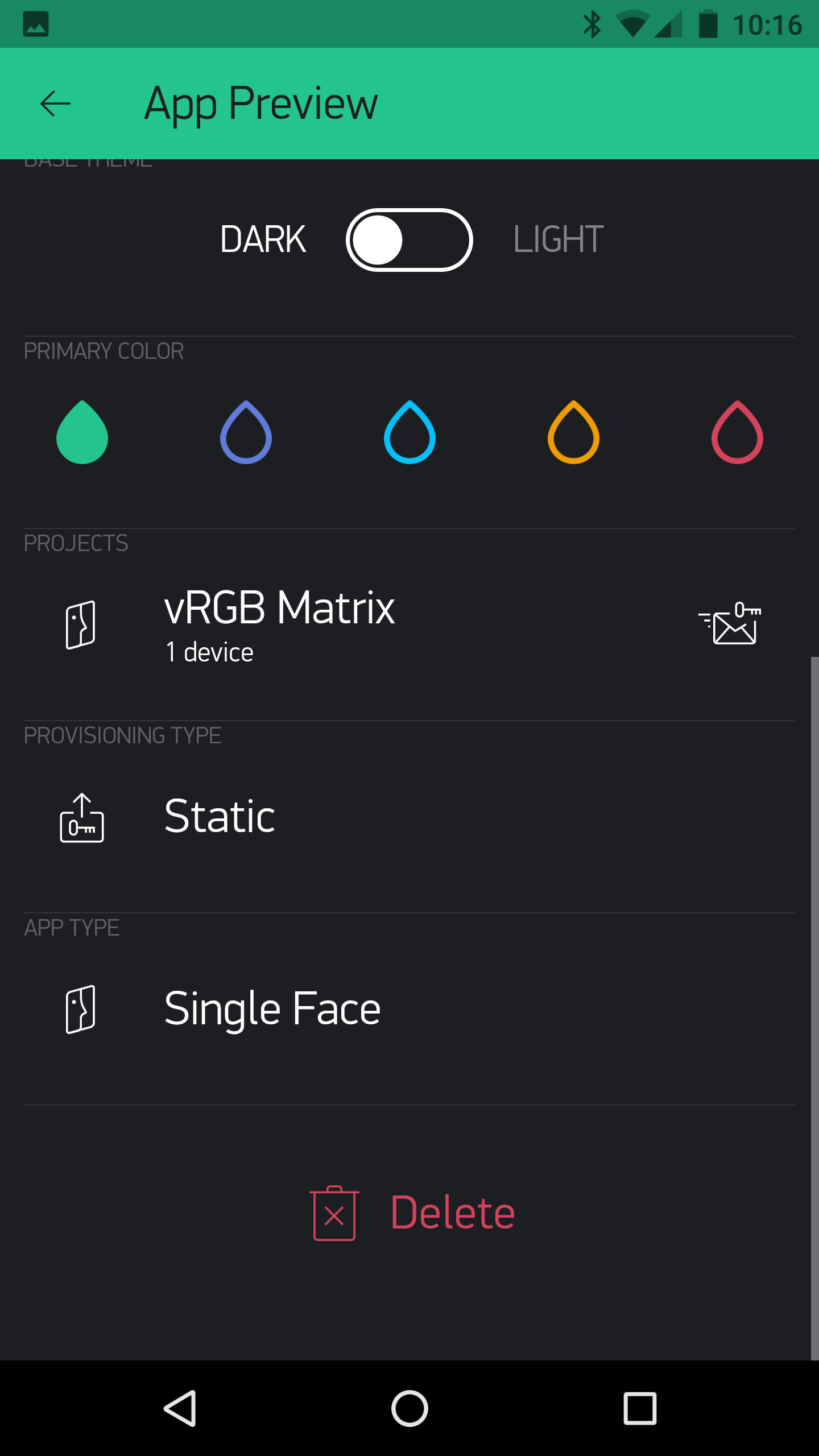
Then after all this your “project” can be deleted as normal.